

How to Use AI for Instagram: A Store Owner’s Workflow

The best way to use AI for Instagram is to let it do the repeatable work, such as planning, first drafts, Reel assembly, caption options and scheduling, while you add the details only you know. For a store, that repeatable work starts with your product catalog. We built Xyla to turn Shopify, WooCommerce and Etsy listings into Reels, carousels and captions and to publish them on a schedule, which is the part of Instagram that most often falls apart when you are also packing orders.
This guide walks through the full workflow in the order you would actually do it: plan, create, write, review, schedule, measure.
TL;DR
- Give AI real facts (products, dates, stock, offers) and it can plan a month of posts in minutes. Give it nothing and it produces generic filler.
- Your product photos are the raw material for Reels and carousels. Start from the catalog instead of a blank page.
- Ask for three caption options, then add one detail only you know. Keep hashtags to five or fewer, the limit Instagram is rolling out.
- Never publish AI output unreviewed, and label realistic AI-made video or audio where Instagram requires it.
- Judge results by visits and orders, not just likes, and feed what you learn into next month’s plan.
Table of Contents
- Where AI helps on Instagram, and where you still matter
- Step 1: Plan a month of posts from real facts
- Step 2: Create Reels and carousels from product content
- Step 3: Write captions that sound like you
- Step 4: Review, label and stay honest
- Step 5: Schedule and publish without the daily scramble
- Step 6: Measure what matters, then feed it back
- What we think about AI on Instagram
- Try it on your own store
- FAQ
- Sources
Where AI helps on Instagram, and where you still matter
Instagram asks a small store to do five jobs at once: decide what to post, make the visual, write the caption, publish at a sensible time, and read the results. AI can take a first pass at all five. It cannot know that your best-selling candle sold out on Saturday, that a customer sent a great photo, or that you are changing your shipping cutoff. That knowledge is what makes an account feel like a real shop, so the workflow below always has a point where you add it.
The pattern that holds up across guides is the same: brief the AI with specifics, generate several options, edit with your own detail, approve, then schedule. Skip the brief and you get bland posts. Skip the approval and you risk a wrong price or a wrong date going out under your name.
Step 1: Plan a month of posts from real facts
Open a month at a time. Meta describes using its AI to turn inputs into a content plan and lay out a calendar in the format you ask for, and it can also check the plan against your brand guidelines when you ask whether something deviates from them.
What goes into the prompt decides what comes out. Include:
- The month and year, and the weekday of the first day. AI sometimes pairs the wrong weekday with a date when the month is not stated, so paste the real calendar in.
- New products, restocks, sales and holidays that matter to your customers.
- Your audience in one sentence and your brand voice in three adjectives.
- How many posts you can realistically produce. A plan for 20 posts you cannot make is worse than a plan for 12 you can.
A useful ask: “Plan 12 Instagram posts for March 2027 for a ceramics shop. Mix Reels, carousels and single images. Here are our launches, our spring sale dates and our five best sellers. For each post give the product, the format, the hook and the one action we want.”
A step-by-step guide from IONOS breaks the same job into a topic, a format (Reel, carousel or Story), a content plan, a caption, a small number of keywords and hashtags, a fact check and a look at Instagram Insights afterward. Use it as your checklist.
Where a catalog-connected tool saves the most time
Planning by hand means copying product names, photos and prices into a chat window every month. When the plan starts from the catalog itself, that step disappears. Xyla connects to Shopify, WooCommerce and Etsy and works from your product listings, so the posts it creates are built from your real product data. If you run a Shopify store, our guide to connecting Shopify to Instagram in five steps shows the setup, and the same idea for Etsy is covered in autoposting Etsy listings to Instagram.
Step 2: Create Reels and carousels from product content
Reels are where most stores feel stuck, because video sounds like a production job. It does not have to be one.
There are three common ways to get a Reel out of AI:
- Text to video. You describe the scene. Fast, but the product rarely looks like your product.
- Image to video. You upload a product photo and the AI animates it. Better for accuracy.
- Listing to video. The tool starts from your product page, with its photos and details.
For a shop, the second and third are the ones to use, because customers buy a specific item and need to see that item. Whichever you pick, write a brief with the format, the length (15 to 30 seconds is plenty), the vertical 9:16 shape and the single idea. Network Solutions’ small-business Reels guide recommends shooting vertically at 1080x1920 and 30 frames per second, and that is the size to export at too.
Watch the first second. A Reel lives or dies on its opening, so read through our Instagram Reel hooks for brands before you approve a draft.
Carousels for products with a story
Carousels suit anything that needs more than one angle: before and after, three ways to use a product, a size guide, a gift bundle. Plan a clear first card, one idea per card, and a closing card with a single action. Our carousel sequence for ecommerce lays out how many cards to use and what each should do.
Check the result before it goes anywhere
AI video can bend a product: a label that reads wrong, a color that shifts, a size that looks bigger than it is. Compare every frame against the real item. Misleading product visuals also create refund and trust problems, and IONOS specifically advises against fake product images or unrealistic results. If you want a closer look at video made from product data, see our page on AI UGC video for ecommerce, and for the full Reels routine see Reels for ecommerce.
Step 3: Write captions that sound like you
Captions are the most searched part of this topic, and the easiest to get wrong. Left alone, AI writes the same cheerful, symmetrical copy as every other account.
Use a prompt with five parts:
- Voice. Paste two or three captions you wrote and liked.
- The post. What is in the image or Reel, and what is the product.
- The audience. Who is this for, in one line.
- The task. Ask for three options with different first lines.
- The guardrail. Tell it not to invent prices, offers, materials or claims.
Then edit. The first line matters most because Instagram cuts the caption off behind “more”, so make it concrete. Replace vague words (“amazing”, “game-changing”) with a number, a material or a result you can stand behind. Read it aloud. If you would not say it to a customer at a market stall, rewrite it.
The fastest edit with the biggest effect is to add one fact AI cannot know: who made the batch, what sold out, what a customer said. We have a full guide to AI social captions for ecommerce and four copy-and-paste product caption prompts if you want ready-made starting points.
Hashtags: fewer than you think
Long AI-generated hashtag lists are a habit to drop. Instagram has said it is gradually limiting captions to five hashtags on posts and Reels, and that a few targeted tags work better than many generic ones. Ask the AI for five specific tags tied to the product and the buyer, and use no more.
Step 4: Review, label and stay honest
A short review gate protects the account. Before anything is approved, ask:
- Is every price, size, material, date and shipping claim correct?
- Does it sound like us?
- Is there one real idea or useful detail, not just enthusiasm?
- Would a customer stop scrolling for it?
- Does it make any health, financial or guaranteed-result promise we cannot support?
Then consider labeling. Meta shows an “AI info” label on Instagram when it detects AI markers in an image or video, and expects you to disclose realistic AI-made content that its systems cannot detect. IONOS notes that Meta requires disclosure for some realistic-looking AI-created or altered video and realistic-sounding audio. If your Reel shows a realistic AI-generated person or voice, label it. Our guide to AI content disclosure covers what to label and where.
If you plan to run a generated clip as a paid ad, confirm that you have commercial-use rights to it before you do.
Step 5: Schedule and publish without the daily scramble
Consistency beats occasional brilliance on Instagram, and consistency is a scheduling problem. Once posts are approved, queue them for the month so that a busy week does not leave a gap.
Timing matters less than showing up, but it is worth testing. Start with the hours when your own customers are online, which Instagram Insights shows you, and adjust from there. Our breakdown of the signals that decide Instagram reach explains what the algorithm weighs besides timing.
If you post the same content to TikTok and Facebook, adapt it for each network rather than copying it. Our multi-platform posting workflow shows how to adapt and stagger posts so the same product does not appear everywhere at once.
When the store itself is the source, the steps shrink further. In auto posting from product updates, a new listing or a changed product becomes a post without you opening a chat window. And if you are worried about the wrong items going out, catalog filters for autoposting Shopify to Instagram let you control which products appear.

Step 6: Measure what matters, then feed it back
Once a month, open Instagram Insights and look at more than likes. For a store, the numbers that matter are reach, average watch time, saves, follows, and product taps and visits to your site. Network Solutions lists these same signals for small-business Reels.

Then paste your post list and results into your AI assistant and ask which formats drove visits and orders, and what to try next month. Treat the answer as a suggestion. Sixteen posts is a small sample, and one viral Reel can distort the picture. Reading your numbers properly pays off beyond Instagram too: why analytics improves marketing ROI is a good primer on turning results into decisions.
A simple monthly loop looks like this:
Week Task Time to budget Week 1 Review last month’s Insights, set the new plan 30 to 45 minutes Week 1 Generate and approve the month’s visuals 1 to 2 hours Week 2 Caption edits, add your one real detail per post 30 minutes Weeks 2 to 4 Check scheduled posts, reply to comments 10 minutes a dayThese are planning estimates for a small store, not measured results. The point is that the monthly work is front-loaded, so the weekly work is mostly replying to people.
What we think about AI on Instagram
Most advice about AI on Instagram treats it as a caption machine. For a store, that is the smallest part of the job. The hard part is the volume: dozens of products, several networks, a calendar that never stops, and nobody whose full-time job it is.
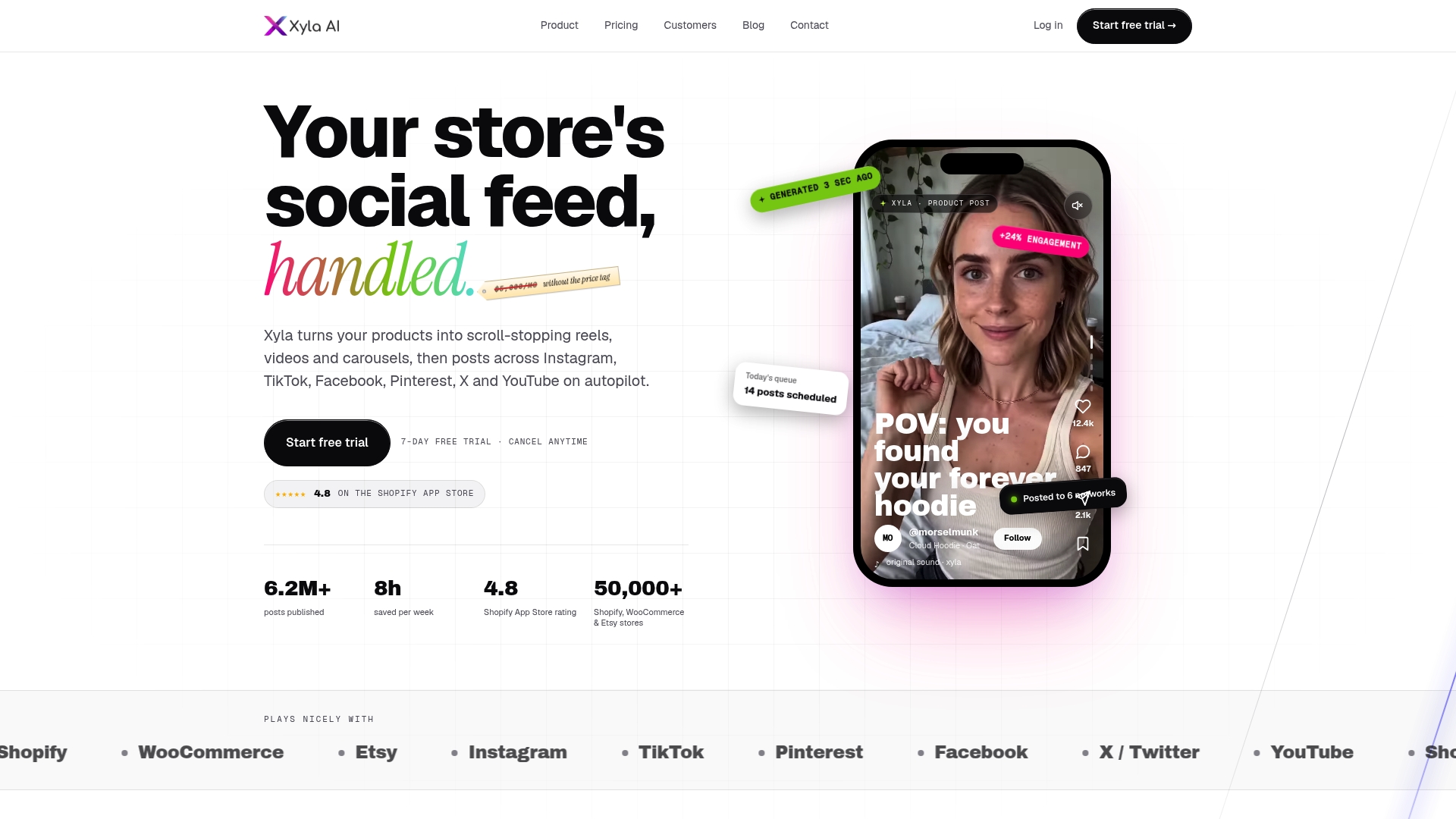
That is why we built Xyla around the catalog. It turns product listings into Reels, videos and carousels, customizes them for each network, writes brand-aligned copy and publishes on a schedule. Our aim is to save a store owner around eight hours a week.
We also think the economics should not punish you for experimenting. AI content generation is built into our standard plans, so you are not counting per-generation credits while you try a new Reel idea. And because it is built for ecommerce, it supports channel features such as Instagram Shopping tags and automated link-in-bio routing, which is where a post turns into a sale.
Our advice stays the same whatever you use: brief the AI with real facts, review everything, and add the one detail only you know. The tool handles the repetition so you can spend your time on that.
Toby
Try it on your own store
If your products live in Shopify, WooCommerce or Etsy, you can start with a free trial and see your listings turned into ready-to-approve posts. After the trial, our Shopify plans are $29 per month for Starter and $60 per month for Scale, with annual pricing of $209 and $432 respectively on the Shopify plans page. Etsy sellers can choose Maker at $29 per month, Shop at $39 per month or Studio at $60 per month on the Etsy plans page. The full list, including Growth, Pro and Enterprise, is on our pricing page.
For a wider look at what this saves, read the benefits of AI social media marketing.
FAQ
Can AI really run my Instagram for me?
It can handle most of the production and publishing: planning, drafting, building Reels and carousels from product photos, and scheduling. You still approve what goes out and add the details only you know. That review step is what keeps posts accurate and recognizably yours.
What is the best way to use AI to create Reels?
Start from a real product photo or listing rather than a text description alone, so the product looks right. Write a short brief with the length, the vertical 9:16 format and one idea, check the draft frame by frame, then export at 1080x1920. Fifteen to thirty seconds with a strong first second is enough.
How do I write AI captions that do not sound like AI?
Give the AI samples of your own writing, ask for three options with different openings, and tell it not to invent facts. Then cut stock phrases and filler words, tighten the first line and add one specific detail from your shop. Our caption guide goes deeper.
Do I have to label AI content on Instagram?
Instagram may add an “AI info” label itself when it detects AI markers, and Meta expects you to disclose realistic AI-made video or audio it cannot detect. Avoid presenting AI visuals as real product results. Our disclosure guide explains what to label.
How many hashtags should I use?
Use five or fewer. Instagram is limiting captions to five hashtags, and it says a few targeted tags beat many generic ones. Choose tags tied to the product and the buyer.
Sources
- How to use AI to create a social media content strategy, Meta AI
- How to create Instagram content with AI, IONOS UK
- Instagram Reels for Business: The 2026 Small-Business Guide, Network Solutions
- Instagram Implements New Limits on Hashtag Use, Social Media Today
- AI Disclosure Rules by Platform, Influencer Marketing Hub


