

Instagram Stories for Ecommerce: Ideas, Setup and Scheduling

Instagram Stories work for ecommerce when each one moves a viewer from “what is this?” to one clear action: tap a product sticker, follow a link, reply, or come back tomorrow. This guide covers what to post, how to tag products, which Stories to keep as Highlights, how scheduling really works, and what to measure.
TL;DR
- Build Stories as a short sequence (awareness, benefit, proof, call to action) instead of one isolated product photo.
- Use the link sticker for any web page, and the product sticker once your Instagram Shop is set up.
- Save your best Stories to Highlights, grouped by topic such as collections, FAQs and behind-the-scenes.
- Scheduling tools handle simple frames well. Interactive stickers may not carry over, so post those live.
- Track link taps, replies and exits, and use UTMs or coupon codes to connect Stories to orders.
Table of Contents
- Why Stories suit online stores
- A four-frame sequence that sells
- Instagram Story ideas for ecommerce stores
- Adding product links and tags
- Instagram Highlights for ecommerce
- How to schedule Instagram Stories
- Measuring whether Stories sell
- Where we think Stories fit in your content mix
- Keeping the rest of your feed running
- FAQ
- Sources
Why Stories suit online stores
Stories are casual, vertical and quick. Shopify’s guide says they are a good place to test ideas, run polls, drive traffic to your store and publish content that is less polished than your feed. That makes them forgiving for small teams: a rough behind-the-scenes clip can do the job a studio shot cannot.
Speed matters too. Reporting on Instagram’s own guidance says people move through Stories fast, so the point should land in the first couple of seconds rather than at the end. Put the product, the offer or the question on frame one.
A useful habit from Shopify: when a Story experiment gets a strong response, turn it into a permanent post or reuse it in another channel. Stories become your testing ground, and the feed keeps the winners.
A four-frame sequence that sells
Platform Executive describes a simple funnel for Stories: awareness frames, benefit frames, social proof and a final call-to-action frame holding a link or product tag. The idea is to move the viewer deliberately instead of showing one product image and hoping.
Here is how that looks for a store selling, say, a ceramic mug line:
- Awareness: a close-up of the new glaze with a short line of text, like “New colors, just landed.”
- Benefit: the mug in use, with one reason to care (dishwasher safe, fits your hand, holds 14 oz).
- Proof: a customer photo or a short review, reshared with a thank-you.
- Action: the product sticker or link sticker, plus a short line saying what happens next.
Four frames is a starting point. If a frame does not add awareness, a benefit, proof or an action, cut it.
Instagram Story ideas for ecommerce stores
The best ideas share a trait: they give the viewer something to do or learn, not just something to look at. These are well covered by established ecommerce publishers, and each is easy to adapt.
Show how the product is made
Shopify’s retail guide suggests behind-the-scenes work and how a product was made. Social Media Examiner goes further: show the process from idea to finished product, because access before launch can build investment in the release. Handmade and small-batch sellers have a natural edge here.
Tell the origin story
The same publication recommends explaining why a product was created, how it works and how it helps customers, instead of presenting only a product image. Three frames is enough: the problem, the first prototype, the result.
Answer questions with stickers
Use the question sticker to collect FAQs (sizing, shipping, materials), then answer them in the following frames. Shopify also recommends polls and question stickers to get feedback and create direct interaction. Every answer you post is also reusable as a Highlight.
Run polls you can act on
JoinBrands suggests polling on decisions the business can actually use, such as colors, bundles, packaging, launch timing or features, and sequencing the Story as context, poll, then next action. “Which color should we restock first?” beats “Do you like our products?” every time. Shopify notes that polls can help crowdsource product development.

Tease launches and drops
Countdown stickers, packaging previews and prototype sneak peeks are all on Firework’s list of ecommerce Story ideas. eRank’s guidance for Etsy sellers adds that countdowns, polls and quizzes work for launch anticipation and restock promotion. If you are planning a launch, our same-day Instagram launch playbook and product launch post templates cover the feed side of the same moment.
Build a catalog collage
Volusion suggests collages or lookbooks that group related products so shoppers see how items work together, which can encourage larger baskets. A “complete the set” frame with a product sticker is an easy way to try it.
Reshare customer content
Volusion also recommends resharing customer Stories that mention you and acknowledging them with text, GIFs or stickers, which encourages more brand mentions. Ask permission when a customer tags you in a feed post rather than a Story. For ideas on turning real product footage into authentic-looking creative, see our page on AI UGC video for ecommerce.
Flash sales and testimonials
Shopify’s retail guide lists promotions, product drops, flash sales and customer testimonials among its Story ideas for stores. A 24-hour sale fits the 24-hour life of a Story, which is why the format suits it.
Plan the story arc before you shoot
Stories land better when each frame has a job. A short read on visual storytelling tips can help you decide what each frame should show before you open the camera.
Adding product links and tags
There are two routes, according to Shopify:
- Link sticker: sends viewers to any web destination, such as a collection page or a landing page.
- Product sticker: available once you have an Instagram Shop set up. You pick the product or collection, and viewers tap through to its product page and then to your store’s checkout. Shopify says syncing product information is handled through its Facebook & Instagram app.
Shopify’s enterprise guide explains that product tags open product detail pages with pricing and descriptions. Eligibility matters: guidance for sellers says Instagram Shopping needs an eligible account and a catalog, and your country must be supported. Check Instagram’s current Shopping requirements in the app before planning a campaign around tags.
If you run Shopify and want your catalog connected, our walkthrough on connecting Shopify to Instagram takes five steps.
Instagram Highlights for ecommerce
Stories vanish after 24 hours, but Highlights sit beneath your bio and stay until you remove them. Shopify says you can save Stories to Highlights and group them by topic, with product collections, collaborations, events, FAQs and behind-the-scenes content as good categories. Its example is the skincare brand Dieux, which organizes Highlights by product so visitors can browse.
A practical Highlights set for a small store:
Highlight What goes in it Why a visitor taps it Shop Product-sticker Stories by collection To browse without leaving Instagram FAQ Your answered question stickers To settle shipping and sizing doubts Reviews Reshared customer photos and messages To see proof from real buyers Behind the scenes Making-of and packing clips To trust the people behind the shop Launches Past drops and restocks To see what is new and what sells outKeep the set to five or six. New visitors decide quickly, and a tidy row reads as a store that is looked after.
How to schedule Instagram Stories
You have two options: Meta Business Suite, which requires your professional account to be linked to a Facebook Page, or a third-party scheduler. In both cases use vertical 9:16 assets, and make sure whoever publishes has the right permissions on the account.
The catch is interactivity. Auto-published Stories may leave out music, polls, questions, quizzes and countdowns, so tools differ in what they support. A sensible split:
- Schedule simple frames: product shots, announcements, sale reminders, link-sticker Stories.
- Post live (or use a reminder notification) when a poll, question or countdown is the point.
Check your tool’s current feature list before relying on it, since support changes. Consistency is the real prize: a store that posts every day, even with plain frames, beats one that posts brilliantly twice a month.
Planning a week of Stories takes about an hour if you batch it: pick three products, one customer proof, one question sticker and one sale reminder, then shoot everything in one session.
Measuring whether Stories sell
Instagram’s native Story analytics show impressions, reach, forward and back taps, replies, exits, link sticker taps and sticker interactions. Platform Executive recommends connecting those to sales with UTMs, the Meta pixel or Conversions API, dedicated landing pages or coupon codes, then reviewing click-through rate, add-to-cart, checkout starts, purchases and return on ad spend.
A simple routine:
- Give every Story link its own UTM tag, such as one per campaign.
- Use a Story-only coupon code for sales and drops.
- Each week, note which frames had the most exits and the most link taps, and drop the pattern that loses viewers.
- Test one change at a time (the first frame, the call-to-action wording) so you know what moved the number.
Where we think Stories fit in your content mix
We built Xyla around a simple observation: store owners know their products, but they run out of hours. Stories reward presence, and presence is exactly what disappears when you are also packing orders and answering email.
Our view is that a store needs two rhythms. One is the live rhythm: the polls, questions and behind-the-scenes moments that only you can do in the moment. The other is the steady rhythm: reels, carousels and product posts that go out on schedule whether or not you had time that day.
That steady rhythm is what we automate. Xyla turns your Shopify, WooCommerce or Etsy listings into reels, videos and carousels, adapts them to each network and publishes them, which our owners tell us saves around eight hours a week. Our content is generated from your real product data rather than remixed templates, and AI generation is part of the standard plans instead of a per-generation credit.
The hours you get back are the ones to spend on Stories. We would rather you answer a customer’s question sticker personally than watch a calendar fill itself.
Toby
Keeping the rest of your feed running
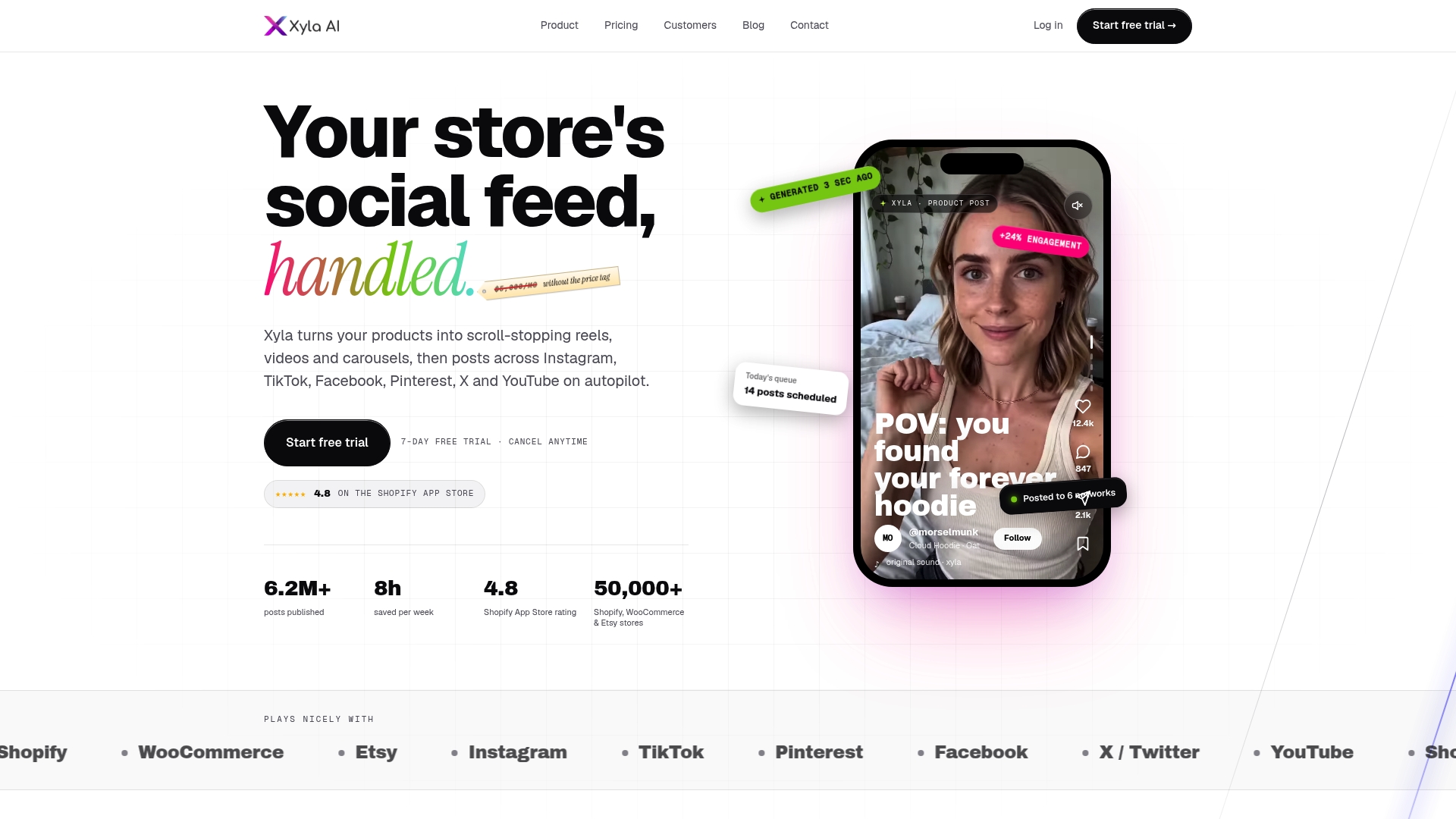
Stories are strongest when your profile gives new viewers something to land on. That means a steady feed of reels and carousels behind them. Xyla connects to your store, creates the visuals from your listings and posts across Instagram, TikTok, Facebook and more, so the profile a Story viewer taps into is never stale.
Plans are billed monthly or yearly. On the Shopify page, Starter is $29 per month or $209 per year, and Scale is $60 per month or $432 per year. Etsy sellers can see the Maker, Shop and Studio plans on the Etsy page, starting at $29 per month for Maker. A free trial comes first, and the full list is on the pricing page.
If you want to go deeper on the feed side, our guides to reels for ecommerce, Instagram carousels and ecommerce social media tips pair well with the Story tactics above.
FAQ
Can I schedule Instagram Stories?
Yes. Meta Business Suite can schedule Stories for a professional account linked to a Facebook Page, and third-party schedulers can too. Auto-published Stories may not include interactive stickers like polls, questions, quizzes or countdowns, so post those live or use a reminder.
How do I put a product link in an Instagram Story?
Use the link sticker to send viewers to any web page. If your Instagram Shop is set up, use the product sticker instead and pick the product or collection. Viewers then tap through to the product page and on to checkout.
What should I save to Highlights?
Save Stories that stay useful after 24 hours: product collections, FAQs, behind-the-scenes content, collaborations and events. Name each Highlight by topic so visitors can find what they want in one tap.
How do I know if Stories drive sales?
Check native analytics for link taps, replies and exits, then add UTM tags, a Story-only coupon code or a dedicated landing page. Compare click-through, add-to-cart and purchases over several weeks rather than judging a single Story.
Sources
- How To Use Instagram Stories: Tips and Examples (Shopify)
- 25 Instagram Story Ideas (Shopify)
- Instagram for Retail (Shopify)
- Instagram Ecommerce: Strategies & Examples (Shopify)
- How to Use Instagram Stories for More Digital Sales (Platform Executive)
- Instagram: Shopping And Stories Are Top Priorities (AdExchanger)
- 28 Instagram Stories Ideas for eCommerce Businesses (Social Media Examiner)
- Creative Instagram Story Ideas for Ecommerce Stores (Volusion)
- 10 IG Story Ideas for DTC Brands (JoinBrands)
- 12 Instagram Story Ideas for eCommerce (Firework)
- How To Promote Your Etsy Shop on Instagram With Stories (eRank)
- How to set up and use Instagram Shopping (Taplink)
- Visual storytelling tips


