

How to Repurpose Content for TikTok (Without Looking Reposted)

To repurpose content for TikTok, take the idea from a video, photo or listing you already have and rebuild it for TikTok: a vertical frame, a new hook in the first seconds, captions placed inside the safe zone, clean footage with no other app’s logo, and native audio. Re-uploading the same file is cross-posting. Rebuilding it is repurposing, and only the second reliably gets a fair shot with viewers. For a store, the fastest source of material is your product catalog, and that is what Xyla turns into reels, videos and carousels for TikTok, Instagram and Facebook, then schedules and posts automatically.
This guide is for store owners who do not have a marketing team. It covers what to reuse, how to adapt it step by step, how to move TikTok videos to Instagram, and how to tell whether it worked.
TL;DR
- Repurposing means changing a video for its destination. Cross-posting means publishing the same file everywhere. Cross-posting is the identical video on several platforms, repurposing modifies it for each.
- Start from evergreen material: product demos, how-tos, FAQs, comparisons and listings. Skip anything dated or out of stock.
- Export a clean version with no watermark, frame it 9:16, rewrite the hook and captions, and add music inside the app you are posting to.
- Moving TikToks to Reels follows the same rules in reverse: use the original export, not a downloaded copy.
- Judge results by comparing the same idea across platforms, then remake the winners rather than repeating the losers.
Table of Contents
- Repurposing vs. reposting vs. cross-posting
- What is worth reusing on TikTok
- How to adapt a video for TikTok, step by step
- Repurposing a Reel for TikTok
- Repurposing TikTok videos for Instagram
- A repeatable workflow for a small store
- How to tell what is working
- Where Xyla fits
- FAQ
- Sources
Repurposing vs. reposting vs. cross-posting
Three words get mixed up, and the difference decides how your posts perform.
Cross-posting is publishing the same video, unchanged, on more than one platform. Reposting is putting a video you already published back on the same account, usually later. Repurposing is turning an existing asset into a new one for a specific platform, audience or campaign. Flockler’s guide to video repurposing draws the same line: sharing something unchanged is not the same as adapting it.
Why does it matter for a shop? Because the viewer on TikTok is in a different mood from the viewer on Instagram or a product page. Someone scrolling TikTok expects a fast, spoken or text-led opening and a casual feel. A polished brand clip with a long logo intro reads as an ad and gets swiped. The product is the same. The packaging of the idea changes.
A simple rule: if you would be comfortable posting the file with no edits, you are cross-posting. If you changed at least the hook, the framing and the caption, you are repurposing.

What is worth reusing on TikTok
Not every old post deserves a second life. The best candidates share three traits: the core idea is still true, it answers a question buyers actually ask, and it can be understood in the first few seconds.
Good candidates for a store:
- Product demos and unboxings. Show the item in use, not on a white background.
- How-to and care videos. “How to wash it,” “how to assemble it,” “three ways to style it.”
- FAQ clips. Sizing, shipping, materials, what is in the box.
- Comparisons. Old versus new, two sizes side by side, before and after posts.
- Product listings. Photos, titles and descriptions on Shopify, WooCommerce or Etsy already contain the raw material for a short video.
- Customer reviews and unpacking moments that you have permission to use.
To decide what to adapt, look at your own data first: which posts got saves, shares, comments or clicks, and which product pages get the most visits. Content that people responded to has already proven the idea works. A reuse strategy built on that logic is the same one content teams use when identifying suitable existing content to adapt while keeping it accurate and relevant. Check every old piece for facts that have changed: prices, sizes, shipping times, discount codes, seasonal claims. A video that promises a sale that ended is worse than no video.
Leave out anything tied to a date, anything with a dead link or sold-out product, and anything where the original idea relied on a platform feature TikTok does not have.
How to adapt a video for TikTok, step by step
Here is the routine, with where each step usually goes wrong.
1. Start from the cleanest file you have
Use the original export from your editor, or the original footage, never a screen recording or a file downloaded from another app. Downloaded copies are lower resolution and often carry a visible logo. According to a summary of TikTok’s and Instagram’s published originality rules, clips showing another app’s watermark or logo are not eligible for TikTok’s For You feed, and Instagram lists watermarks among the things that make Reels less visible. Whichever direction you move a video, begin with a version that has no app logo anywhere in the frame.
Where it goes wrong: you only have the posted version. If that is the case, rebuild from the product photos and clips instead of re-using the stamped file. Xyla works from your product data and photos, so each video starts clean rather than from a downloaded copy.
2. Reframe to 9:16
TikTok is a full-screen vertical platform. Horizontal and square videos show up with bars or cropped subjects, which looks like a leftover. Shoot or crop to 9:16 (1080 by 1920 pixels), leave some headroom above your subject, and keep text in the central safe zone so it does not sit under buttons, the caption area or the progress bar. Media à la Carte’s editing guide recommends exactly this: vertical framing, headroom and centered text. Our social media sizes and safe zones reference lists the dimensions for each network, and the guide to resizing social videos walks through converting what you already have.
Where it goes wrong: placing the product name or price in the bottom 20% of the frame, where the caption and username cover it.
3. Rewrite the hook
The first one to three seconds decide whether anyone stays. A Reel that opens with a brand animation will not work on TikTok. Replace it with the payoff or the problem: the finished result, a question, a surprising detail, a “POV” setup. Our pages on TikTok and Reels hooks, product video hooks and POV ideas collect patterns you can adapt.
Where it goes wrong: keeping the same opening line for every platform. Write a new first line for TikTok even when the rest of the video stays the same. That alone can make a reused clip feel native.
4. Trim to the idea
Cut intros, outros and anything that repeats. Long explainers can be sliced into several short videos, each with one point. Flockler lists cutting a long video into short clips for social promotion as a standard example of repurposing. For length, see our guide on choosing between 20 to 40 seconds and 2 to 3 minutes.
5. Rewrite the captions and on-screen text
Burn in short captions so the video works with the sound off, but write them as if you are speaking to one person. Then write a separate post caption: a short line, one clear call to action, and a few relevant hashtags. Do not copy the Instagram caption with its list of 20 tags. Media à la Carte also recommends tailoring captions and hooks for each platform.
6. Add audio inside TikTok
Keep an export without music. Then add a track from TikTok’s own library when you post. Music baked into a file can be muted, mismatched or restricted on the destination, and a clean version lets you choose per platform. The same guide recommends keeping a music-free version for exactly this reason.
Where it goes wrong: using a trending sound that is licensed only for personal accounts when you post from a business account. Check the sound is available to you in the app before you build the edit around it.
7. Post, then check the first hours
Watch the early numbers: watch time, shares, saves, comments. Reply to comments quickly, since questions are free content ideas for the next video.
Repurposing a Reel for TikTok
If you already make Instagram Reels, you are most of the way there. The two platforms use the same frame, so the work is in the details:
- Export the Reel before posting, or keep the project file. Do not download it from Instagram.
- Remove any Instagram-specific cues: “link in bio,” “tap the tag,” Reel-only stickers.
- Change the hook and the caption.
- Re-add trending or licensed audio inside TikTok.
- Check that nothing important sits where TikTok’s interface covers it.
Our pages on Instagram Reel hooks and Reel dimensions and export presets help with the Instagram side so the original is already built for reuse.
Repurposing TikTok videos for Instagram
This direction gets asked about often, and the rule is the same. A TikTok saved from the app carries a TikTok logo, and the same summary of platform rules notes that Instagram says it will recommend the original when identical content exists. Reposting other apps’ clips repeatedly without real changes can also keep an account from being recommended.
So:
- Export from your editing app or phone gallery, original quality, no logo.
- Swap the TikTok-specific language (“stitch this,” “comment for part two”) for Instagram equivalents.
- Re-time text so it fits Instagram’s overlays. Reel safe zones differ slightly.
- Rewrite the caption, and add the product tag if you use Instagram Shopping.
- Post it as a Reel, then consider cutting the same footage into a carousel or Story.
Your own logo in a corner is fine. Another platform’s is not.
A repeatable workflow for a small store
Repurposing falls apart when it depends on remembering. A routine that fits an owner who also packs orders:
Day Task Time Weekly, once Pick 3 to 5 products or evergreen ideas 15 minutes Weekly, once Create or generate the base videos and images 30 to 60 minutes Weekly, once Adapt per platform: hook, captions, audio 30 minutes Daily Reply to comments and messages 10 minutes Monthly Review what worked, pick the next batch 30 minutesThe times are a planning guide, not a benchmark. The point is that the hard decisions (what to say, to whom) happen once, and the platform-specific changes follow a checklist.
If you want even less manual work, our TikTok content ideas for small shops page shows concepts you can film quickly, and the TikTok product videos guide covers what tends to sell.

How to tell what is working
Repurposing is a test, not a promise. Track a few simple numbers per post:
- Watch time or completion, to judge the hook and pacing.
- Shares and saves, to judge whether the idea is useful.
- Profile visits and link clicks, to judge whether people want to buy.
- Orders, matched to the post by date or by a tracked link.
Compare the same idea across platforms. If a video does well on Instagram but not on TikTok, change the hook before you drop the idea. If a clip performs on TikTok, remake it with a new angle instead of reposting it unchanged. Repeating the exact same file tests the distribution again, while remaking it tests the execution: the hook, the example and the edit.
Give each version a few days before judging, and compare to your own previous posts, not to someone else’s account.
Where Xyla fits
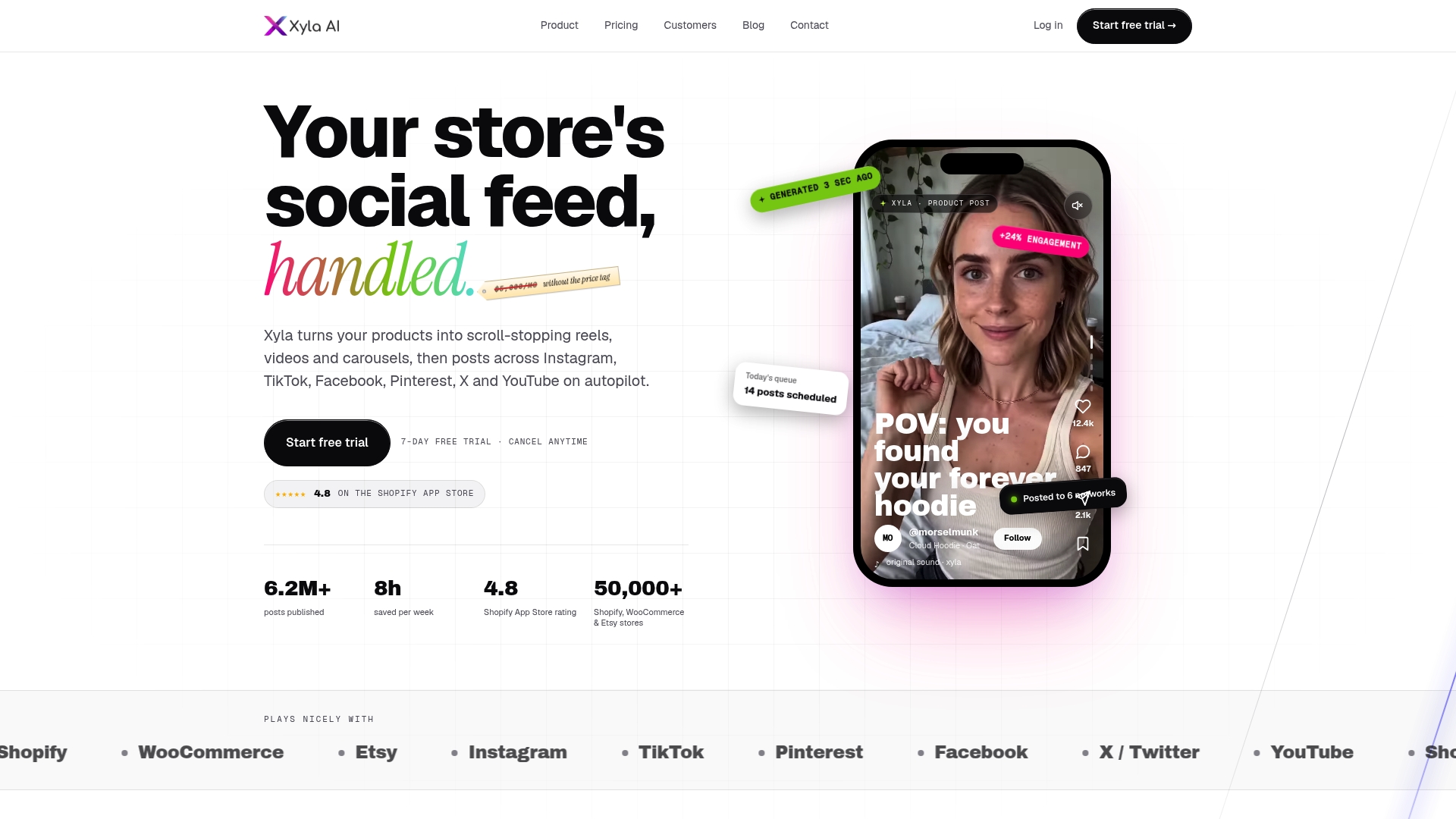
Doing this by hand across TikTok, Instagram and Facebook is where most stores stall. Xyla is an AI social media management tool built for stores on Shopify, WooCommerce and Etsy. It turns your product listings into reels, videos and carousels, customizes the assets for each network, writes brand-aligned copy, schedules the posts and publishes them automatically. It can also generate images and video from your product photos.
Plans are published on the pricing pages: Starter on the Shopify page and Maker on the Etsy page are each $29 per month, and Growth on the pricing page starts from $29 per month. AI content generation is part of the standard plans rather than charged per generation. Details of the Shopify connection are on the Shopify TikTok integration page, and WooCommerce owners can read about autoposting to TikTok.
You can start with a free trial and see your own catalog turned into posts before you pay.
Our view on repurposing
Most advice on repurposing assumes you have a long video to slice up. Most store owners do not. What they have is a catalog: photos, titles, descriptions, prices, variants. We think that is a richer source than any old clip, because every product is already a finished idea with a buyer in mind.
That is why Xyla generates new, modern, UGC-style video and image content from real product data instead of remixing templates. A template with a swapped logo looks like every other template. Content built from your actual product looks like your shop.
We also think platform adaptation should not be a chore. Each network gets its own format, copy and timing, and the calendar posts itself. Our standard plans include AI content generation instead of charging per generation, so you can make more variations without watching a credit counter.
The goal is simple: consistent, native-feeling posts on every channel, without a second job.
Toby
FAQ
Should you repost content on TikTok?
Yes, when the idea is still accurate and people responded to it before. Evergreen tutorials, product explanations and FAQs are the best candidates. Change the hook, captions or edit rather than uploading the identical file, so TikTok and viewers see something fresh.
Can you cross-post a TikTok to Instagram?
You can, but use the original export without the TikTok logo. Platform rules summarized by this guide to watermarks and reach say watermarked Reels are less visible. Rewrite the caption and swap TikTok-specific wording first.
What is the best format for repurposed TikTok videos?
Vertical 9:16, at 1080 by 1920 pixels, with text kept in the central safe zone. Our safe zones reference shows where interface elements sit on each network.
How often can you reuse the same video?
There is no fixed number. A good approach is to reuse the idea, not the file: remake it with a new hook or example, and space versions out so your followers do not see the same thing repeatedly.
Sources
- 9 Ways to Repurpose Video Content (+ Examples), Flockler
- How To Edit Your Videos for Easy Repurposing, Media à la Carte
- Does a TikTok Watermark Hurt Reach on Reels?, FYProof


