

TikTok Product Videos That Actually Drive Sales

The fastest way to make TikTok product videos that sell is a short, 9:16 UGC-style clip that opens on a relatable problem, demos the product by second 10, then holds the result before one specific call to action. Everything else is fine-tuning.
Before you overthink the script, do three things right now:
- Set your camera to 9:16 vertical, nothing else.
- Write one problem-first hook (a complaint your customer already has).
- Shoot one 15 to 25 second video today, before you read another guide.
Platforms like Reelry call this the problem→demo→proof structure, and it’s the closest thing TikTok has to a proven formula. Tools like Xyla exist specifically to help you batch this format once you know it works.
Key Takeaways
Product videos that convert on TikTok follow a problem→demo→proof structure inside a 9:16 frame, and testing volume beats testing polish.
Point Details Nail the specs first Shoot 9:16 at 1080×1920, keep pure ads to 6 to 15 seconds, and burn in captions. Structure every script Open on a problem in 3 seconds, demo by second 10, hold the result before the CTA. Disclose sponsored content Use #ad and TikTok’s branded-content toggle whenever the FTC requires it. Test in batches, not one-offs Post 5 to 10 hook variants, judge by VTR plus CTR over a 24 to 72 hour window. Scale with Xyla Xyla auto-generates UGC videos from product listings and schedules posts, saving sellers about eight hours a week.Table of Contents
- What Are the Right Specs for TikTok Product Videos?
- How Do You Structure a Hook, Demo, and Proof Sequence?
- How Do You Film and Edit Native-Feeling Product Videos?
- How Can You Batch TikTok Product Videos With AI?
- How Do You Add Product Links to Your TikTok Videos?
- How Should You Test and Scale Winning Videos?
- What Are Some Ready-to-Use TikTok Product Video Scripts?
- Let Xyla Turn Your Product Listings Into Ready-to-Post TikTok Videos
- Frequently Asked Questions
- Sources
What Are the Right Specs for TikTok Product Videos?
Shoot at 9:16, 1080×1920, exported as MP4 with H.264 compression. That’s the standard TikTok expects, and anything off-ratio gets cropped or letterboxed in the feed.
- Keep pure product ads to 6 to 15 seconds; save 20 to 45 seconds for proof-heavy or tutorial-style content.
- Leave the top 8% and bottom 15% of the frame clear of text, since captions and UI elements sit there.
- Burn captions into the video itself. Sound-off viewers are common, and readable text keeps them watching.
Pro Tip: If your product makes a claim (whitens, tightens, cleans), add “#ad” and flip TikTok’s branded-content toggle before posting. The FTC treats undisclosed paid promotion as a legal issue, not a style choice.
How Do You Structure a Hook, Demo, and Proof Sequence?
TikTok gives you roughly three seconds before a thumb decides your fate. That opening has to show a problem, not describe one. A cracked phone screen, a stained shirt, a tangled charger cable. Skip the voiceover setup and let the visual do the work.
By second 10, the product needs to be doing something visible. Not sitting on a table looking pretty. Reelry’s research on product video timing backs this up: viewers who don’t see a demo by that mark rarely stick around for the payoff.
The middle section is where proof lives. Stack it like this:
- A texture or detail close-up (three seconds, no more).
- The product in actual use, not staged.
- A held result shot. Let the viewer register the “after” before you cut away.
Close with one specific line: a price, a stock count, a coupon code. “Link in bio” is not a call to action; “$19 today, 40 left” is. If the post is sponsored, drop your disclosure line right before the CTA, not buried in the caption.
How Do You Film and Edit Native-Feeling Product Videos?
You don’t need a studio. You need consistent light and a phone that isn’t wobbling.
- Shoot near a window during daylight hours; a $15 clip-on ring light fills in the rest on cloudy days.
- Hold the phone with two hands for close-ups, but mount it on a $10 tripod for any shot longer than five seconds.
- Get physically closer than feels comfortable. Product detail shots should fill most of the frame, and safe zones still apply.
- Hold the result shot for a beat, roughly one full second longer than instinct tells you, before cutting to the CTA.
- Cut scenes every 2 to 3 seconds during the demo and proof sections. Faster pacing keeps thumbs from scrolling past.
- Add captions in your editor of choice, layer in a trending sound at low volume under your voiceover, and export at 1080p before upload.
How Can You Batch TikTok Product Videos With AI?
Polish loses to volume on TikTok. A single beautifully lit ad tests one hook. Ten rougher variants test ten hooks, and the algorithm tells you which one actually works. AI generators built for this exact workflow, like Seedance, turn one static product photo into a batch of ready-to-post clips in the time it used to take to shoot one.
A realistic weekly workflow looks like this:
- Capture three product assets: one clean product shot, one lifestyle context shot, one detail close-up.
- Generate 5 to 10 video variations from those assets, each with a different hook or angle.
- Layer trending audio onto each, do a quick caption pass, and schedule the batch across the week.
Pro Tip: One product should feed five or more different hooks aimed at different pain points. The winning angle is rarely the one you’d have picked first.
This is exactly where Xyla fits. It auto-generates UGC-style videos directly from your existing product listings and schedules them automatically, which is how store owners running this on their own report saving close to eight hours a week that used to go into filming and posting by hand.

How Do You Add Product Links to Your TikTok Videos?
TikTok Shop needs to be active on your account before a product card can appear on a video. Once it is, attaching a link takes four steps.
- Upload your finished video into TikTok’s Post module.
- Tap Add Link, then select Products from the link type menu.
- Choose the specific product from your catalog.
- Post it, then wait. TikTok runs an extra review step before the product link actually appears above your username.
Optimize around that card once it’s live. Your opening frame and your CTA line should both point straight at what the card sells, not a general brand message. Mentioning a price or limited stock in the CTA gives the click a reason to happen immediately. Once a video proves itself organically, boosting it as a Spark Ad extends its reach without losing the engagement signals it already earned.
How Should You Test and Scale Winning Videos?
Three metrics matter for a sell-through goal: view-through rate, click-through rate to the product card, and add-to-cart or checkout conversion. Everything else, likes included, is vanity.
- Post 5 to 10 variants of the same product with different hooks over a single week.
- Give each variant a 24 to 72 hour window before judging it. That’s enough time for TikTok’s algorithm to show it to a real sample.
- Rank variants by combined VTR and CTR, not by either number alone. A high-VTR clip with no clicks is entertainment, not marketing.
- Take the winner and convert it into a Spark Ad, then reuse the footage on your product page.
Store owners running one or two posts a day tend to find winners faster simply because they generate more data points, and pairing that cadence with a batching workflow keeps the output sustainable instead of exhausting.
What Are Some Ready-to-Use TikTok Product Video Scripts?
Steal these and swap in your own product details.
- Fast gadget: Hook, “This charger cable outlived three phones.” Demo, show it bent, dropped, and still working. Proof, a two-second shot of the frayed cable it replaced. CTA, “$14, restocking Friday.”
- Beauty or consumable: Hook, “My skin used to flake by noon.” Demo, apply on camera in one motion. Proof, a close-up hold on smooth skin after 10 seconds. Add disclosure if sponsored, then CTA, “Use code GLOW for 20% off.”
- Software or service: Hook, show the clunky old process taking too long. Demo, the same task done in one tap inside the app. Proof, hold on the finished result screen for a beat. CTA, “Free trial, link on the card.”
Write two alternate opening lines for each script and post both as separate variants. The hook is the only line worth A/B testing aggressively.
A Practical Take on What Actually Wastes Sellers’ Time
The biggest mistake isn’t bad filming. It’s spending three hours perfecting one video instead of thirty minutes producing five rougher ones. Polish protects your ego; volume protects your sales numbers.
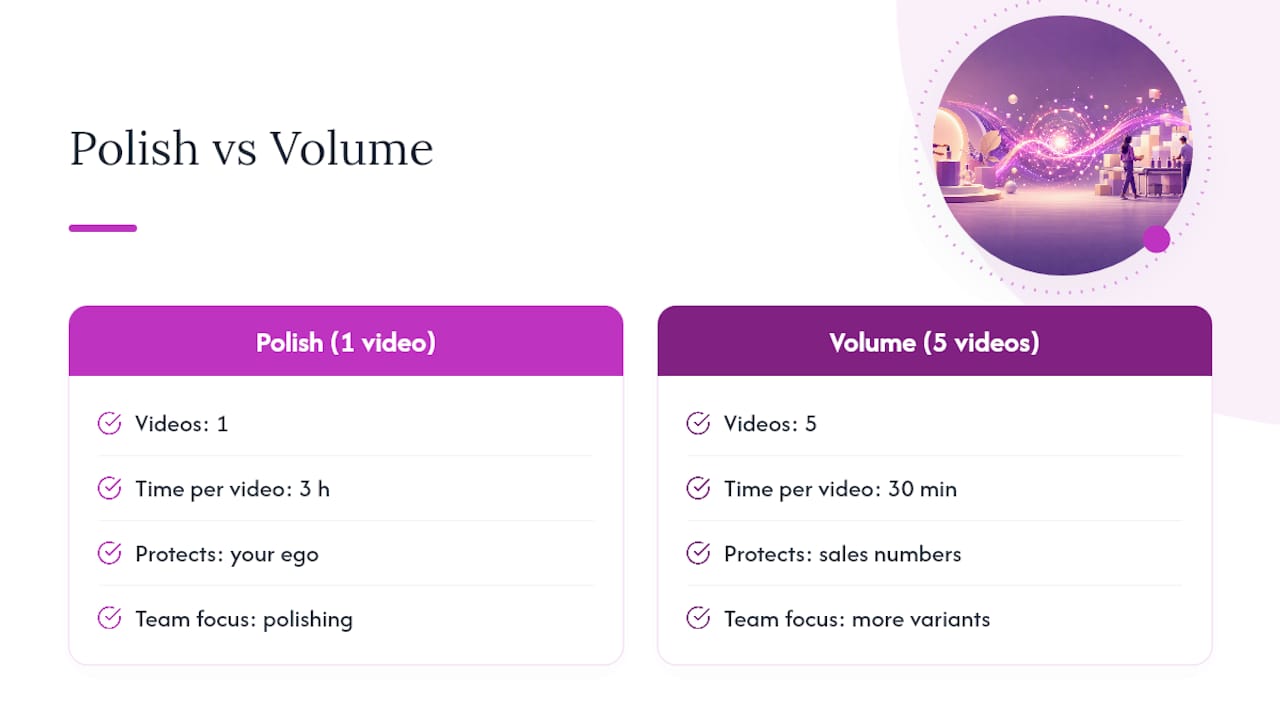
If you’re a small team, don’t split effort evenly across production and testing. Weight it toward generating more hook variants and let the data pick winners, using help resources like Xyla’s video creation guide if you need a faster starting point.
Let Xyla Turn Your Product Listings Into Ready-to-Post TikTok Videos
Xyla is the shortcut past everything in this guide that takes real time: filming, editing, captioning, and scheduling one clip at a time. It pulls directly from your existing Shopify, WooCommerce, or Etsy listings and turns them into UGC-style videos and carousels automatically, then posts them to TikTok, Instagram, and Facebook on a schedule you set once.
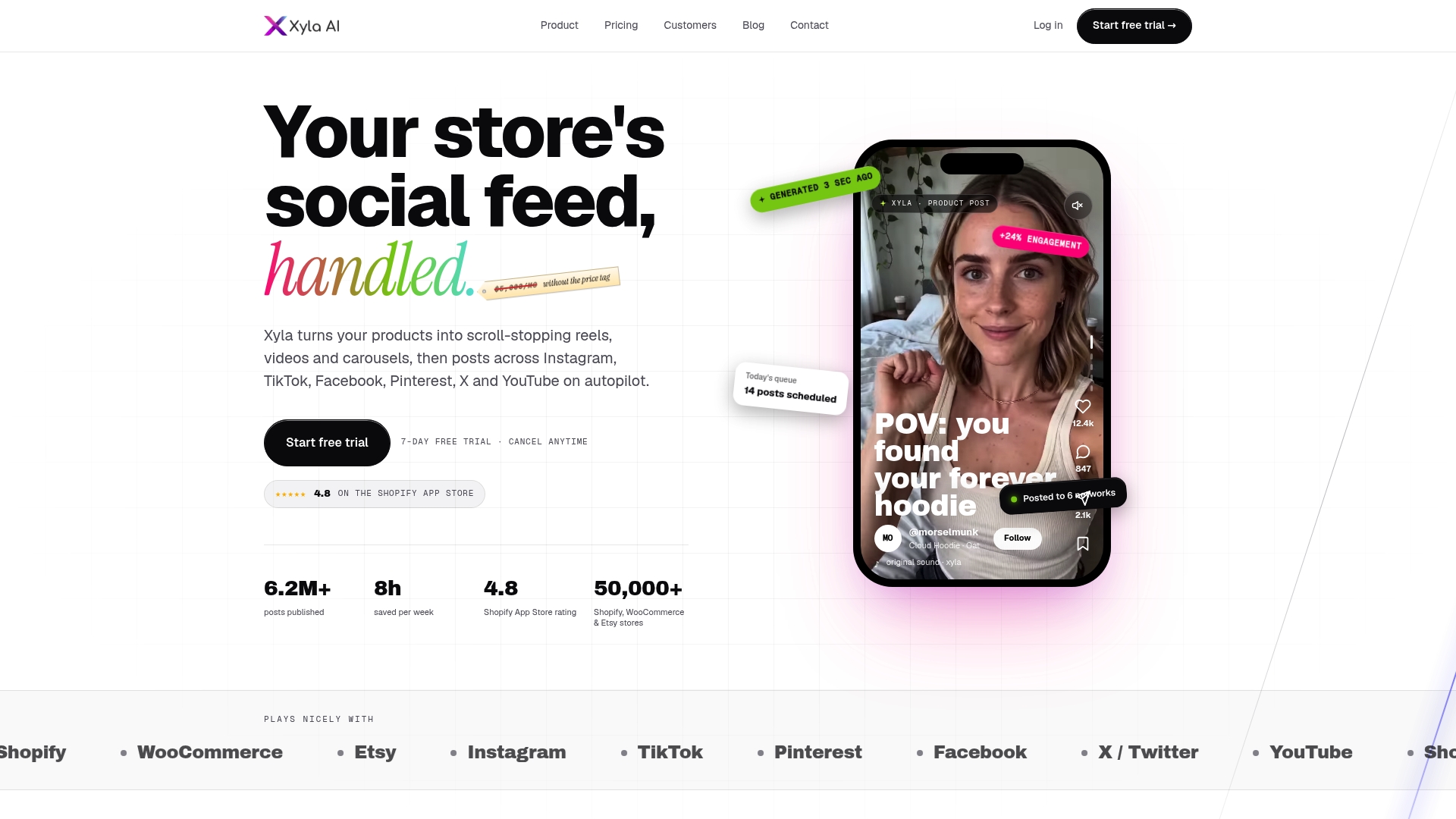
That auto-generation is what saves store owners roughly eight hours a week they’d otherwise spend on manual content production. Instead of hand-filming five variants for a testing batch, you generate them, connect your store, and let the schedule run. If you want to see the full setup, start with Xyla’s step-by-step automation guide and get your first batch of videos scheduled before the week is out.
Frequently Asked Questions
How long should a TikTok product video be? Six to 15 seconds works best for straightforward product ads. Save 20 to 45 seconds for content that needs to build proof, like a transformation or a multi-step demo.
Do I need to disclose sponsored TikTok product videos? Yes. Use the #ad hashtag and turn on TikTok’s branded-content toggle whenever a brand paid for or gifted the product featured, per FTC disclosure requirements.
How do I add a product link to my TikTok video? Upload your video in the Post module, tap Add Link, choose Products, select the item from your catalog, and post. TikTok reviews the link before it appears on the video.
What’s the best way to create many TikTok product video ideas quickly? Take one product photo and generate several variants targeting different pain points or audiences. A tool like Xyla can auto-generate these directly from your existing store listings.
How often should e-commerce sellers post TikTok product videos? Small teams generally see faster results posting a few times a week rather than daily, especially when each batch tests a different hook instead of repeating the same script.
Sources
TikTok’s own product link documentation covers the exact Post module steps and the review delay before a product card goes live. For structure and timing, Reelry’s product video guide lays out the problem→demo→proof framework referenced throughout this piece. For the AI batching workflow, Seedance’s guide to TikTok product videos walks through generating multiple variants from one product asset. On caption and safe-zone specifics, Flare’s TikTok UGC playbook is worth a read before your next shoot.
- How to add product links to TikTok videos | TikTok For Business
- How to Make Product Videos (2026) - Reelry | Reelry
- How to Make TikTok Product Videos with AI: The Complete Guide | Seedance 2.0 AI Video Generator | SeedanceAI


