

Clothing Store Social Media Plan: A 90-Day Framework

A good social media plan for a clothing store fits on one page. It names one goal for the next three months, one or two customer types, two or three platforms with a distinct job each, four content pillars, a weekly posting rhythm you can keep, and a short list of numbers you check every week. This guide walks through each piece and ends with a way to stop spending your evenings on it.
TL;DR
- Set one business goal for the next three to six months, then pick two or three platforms. Instagram plus TikTok is the usual pair for clothing.
- Give every platform a job: Instagram for discovery and conversion, TikTok for reach, Pinterest for high-intent inspiration, Facebook for retargeting.
- Split content into pillars (product, styling, community, behind the brand) and plan around drops, restocks and sale dates.
- Choose a cadence you can hold for six months, produce in batches, and track saves, shares, product clicks and orders instead of likes.
- Automating the repetitive part, turning product listings into posts, is how small stores keep the plan alive.
Table of Contents
- Start with a goal and a real customer
- Pick two or three platforms and give each a job
- Build content pillars so you never stare at a blank calendar
- Plan the calendar around dates, then fill the rhythm
- Captions, hashtags, Stories and customer content
- Measure what leads to sales
- Our perspective: the plan fails at the production step
- Save time without losing your voice
- Put your clothing store’s plan on autopilot
- FAQ
- Sources
Start with a goal and a real customer
A social plan connects business goals to specific audiences, platforms, content themes, a posting schedule and success measures. GARMS MEDIA’s guide for clothing brands suggests starting with a simple question: what does the brand need in the next three to six months? Maybe it is a first 100 orders from Instagram, a strong launch for a fall capsule, or more repeat buyers.
Turn that into a goal you can check. Shopify’s social media strategy guide recommends SMART goals (Specific, Measurable, Achievable, Relevant, Time-bound) and gives examples such as growing followers by 5% every month or reaching 1,000 followers by a set deadline. For a clothing store, a goal closer to revenue usually works better: for example, a set number of orders from social traffic by the end of the quarter.
Describe one or two customers, not “everyone who likes fashion”
Write down one or two real customer types. “Women 25 to 40 who need workwear that doesn’t look like workwear” will shape your content far more than “fashion lovers”. GARMS MEDIA points to evidence you already have: post-purchase surveys, DMs, reviews, in-store conversations and Instagram insights. Shopify’s guide adds support tickets, interviews and competitor analysis.
A useful exercise: read your last 20 product reviews and your last 20 customer messages. Note the words people use for fit, occasion and fabric. Those words become captions, hooks and content ideas.
Pick two or three platforms and give each a job
The most common mistake is posting the same asset everywhere. Space Ads advises resourcing two or three platforms properly rather than reposting one asset thinly across six. iMarCamplify frames it as a job per platform: Instagram for discovery, TikTok for culture, Pinterest for intent, YouTube for depth and Facebook mainly for ads and retargeting.
Platform Job in your plan What to post Instagram Shopfront, brand look, conversion Reels, carousels, daily Stories, product tags TikTok Discovery and trend reach Get-ready-with-me videos, styling hacks, honest product reviews Pinterest Planning and high-intent inspiration Outfit boards, seasonal lookbooks, product pins YouTube Depth and trust Longer try-ons and styling videos, repurposed from short-form Facebook Retargeting and local reach Product posts, drops, sale announcementsSeveral fashion-focused sources agree on the pairing. Flinque recommends TikTok for top-of-funnel trend reach plus Instagram for identity and conversion, or Pinterest for discovery plus Instagram for the close in planning-heavy categories like occasionwear. It also cites Launchmetrics data that Instagram held about 57 percent of US Media Impact Value in 2024.
Launchmetrics itself warns that fashion brands cannot afford to rely on a single platform. So the practical starting point is two primary platforms, then a third once you have short videos to repurpose.
How Instagram fits a clothing store
Uphance’s apparel guide treats the Instagram grid as the brand’s aesthetic anchor, with polished posts at a slower cadence of 3 to 5 per week. Reels drive reach and new audiences, while Stories give daily, informal contact: behind the scenes, polls and customer reposts. Our guide to Reels for ecommerce covers how to turn catalog items into short videos without a shoot every week.
Build content pillars so you never stare at a blank calendar
Content pillars are three to five recurring themes. GARMS MEDIA suggests these for clothing:
- Product and fit: try-ons, fabric details, sizing.
- Style inspiration: outfits, styling ideas, seasonal looks.
- Behind the brand: founder, studio, sourcing, design process.
- Community: customer photos, stories, events, collaborations.
Drops and offers then run across these pillars rather than becoming a fifth theme that dominates the feed.
How much of each? Uphance suggests a healthy apparel feed mix of roughly 30 percent product, 20 percent point of view, 30 percent community and 20 percent entertainment, and recommends auditing your last 30 posts to diagnose flat growth. If 27 of your last 30 posts are product shots on a white background, you have your answer.
For a more structured split, GetContentPlan’s 90-day calendar uses four layers: product at 40%, education at 30%, community at 20% and brand at 10%. Choosing which themes carry your story is a creative decision as much as a scheduling one, and this piece on storytelling and brand engagement is useful when you decide how much space the brand story gets next to product posts. To connect pillars to the product pages that sell, see our guide on content pillars for ecommerce.

Post ideas that suit clothing
Socialmon’s list of 60 ideas groups them in a way that maps neatly onto pillars:
- Awareness: relatable closet-chaos Reels, trend-jacking, shopping skits.
- Product story: construction tours, fit walkthroughs, price breakdowns.
- Social proof: review carousels, size-diverse try-on hauls, customer features.
- Styling: outfit formulas, three ways to wear one piece, what-to-wear guides.
- Fit and sizing: detailed size guides, find-your-fit quizzes, side-by-side comparisons.
Size and fit content deserves extra attention. Fit is the most common reason a shopper hesitates, so a post that answers it earns saves. Carousels are a natural format for this; our Instagram carousel ideas by goal shows structures built to be saved.
Plan the calendar around dates, then fill the rhythm
GARMS MEDIA’s order of operations works well. Mark key dates first: drops, restocks, sales, retail moments like Black Friday and the holidays, and local events. Then set a weekly rhythm, for example four feed posts or Reels and daily Stories. Assign each slot a pillar and a format, and produce the month’s content in a batch.
A sample week
This is one way to apply the 90-day framework from GetContentPlan, which calls for at least three in-feed posts a week, daily Stories and two Reels or TikToks:
- Monday: carousel on one product, fit and fabric details (product pillar).
- Tuesday: Reel showing three ways to style the same piece (styling pillar).
- Wednesday: Stories with a poll on two colorways (community pillar).
- Thursday: customer photo repost with a short caption (community pillar).
- Friday: short video from the studio or packing table (brand pillar).
- Weekend: Stories with a restock or sale reminder.
GetContentPlan also suggests production every two weeks, with one shoot day producing about 30 stills and 8 Reels.
Pick a cadence you can actually keep
Shaare Agency’s calendar guide makes the point that three posts a week held for six months beats seven held for three weeks. It also says calendars rarely fail for lack of ideas but for lack of stock, and recommends a rule of three uses for each piece of content: publish it, recycle it in another crop or format, and archive it so it can fill gaps next quarter. One person should be accountable for the calendar, and the quarter is a sensible planning unit.
Plan per garment, not just per week
DesignerBox suggests planning per garment: as an illustration, a drop of 12 garments at five posts each means 60 posts. That arithmetic is a quick reality check on whether your drop plan matches the time you have.
Captions, hashtags, Stories and customer content
Engagement comes from small, repeatable habits.
- Captions: lead with the fit, occasion or problem, not the product name. Put size and price details where people can find them. Our guide to AI social captions for ecommerce covers writing them in your brand voice.
- Hashtags: a few relevant tags beat a wall of generic ones. See 3 to 5 hashtags that make ecommerce searchable.
- Stories: use them for the daily, informal layer: polls, restocks, behind the scenes.
- Customer content: Uphance calls fashion a trust business where trust comes from being seen. It recommends reposting customer looks, showing production, introducing the designer and tagging retailers that stock you, and notes that community posts cost almost nothing.
- Creators: Flinque cites Launchmetrics data that influencer voice drives about 75 percent of Media Impact Value on TikTok, so creator-led content shapes behavior there more than brand posts do.
If you are short on creator footage, AI UGC video made from your products can fill the gap between real customer posts.
Measure what leads to sales
Likes are the weakest signal. DesignerBox recommends measuring saves, shares, profile visits, link and product-tag clicks, and orders from social traffic. Vistoya reports that saves, shares and meaningful comments carry 3 to 5 times more predictive weight for conversion than a double-tap, and that a typical fashion purchase involves 7 to 12 social touchpoints. Treat its benchmarks as rough guides, not promises.
A lightweight rhythm for a small store:
When What to check Weekly Save rate, share rate, product-page clicks, best and worst post Monthly Revenue from social traffic, cost per engagement, reach, time spent producing content Quarterly Goal progress, pillar mix, which platform earned its placeLaunchmetrics advises defining metrics beyond likes, such as engagement rate, click-through rate and conversion rate. Last-click attribution tends to undervalue social, so GARMS MEDIA suggests adding a simple “Where did you hear about us?” question at checkout. For tagging links so you can see which post drove an order, read our piece on UTM-first social commerce analytics and the 2026 social metrics guide for ecommerce.
Also look beyond gross platform return. Space Ads argues that for fashion, net revenue, return rate, product margin and new-customer quality matter more than a headline ROAS number.
Our perspective: the plan fails at the production step
We talk to store owners every week, and the pattern is consistent. The plan is rarely the problem. A owner writes a sensible plan, posts well for two weeks, then a restock, a sale and a customer service backlog arrive and the calendar goes quiet.
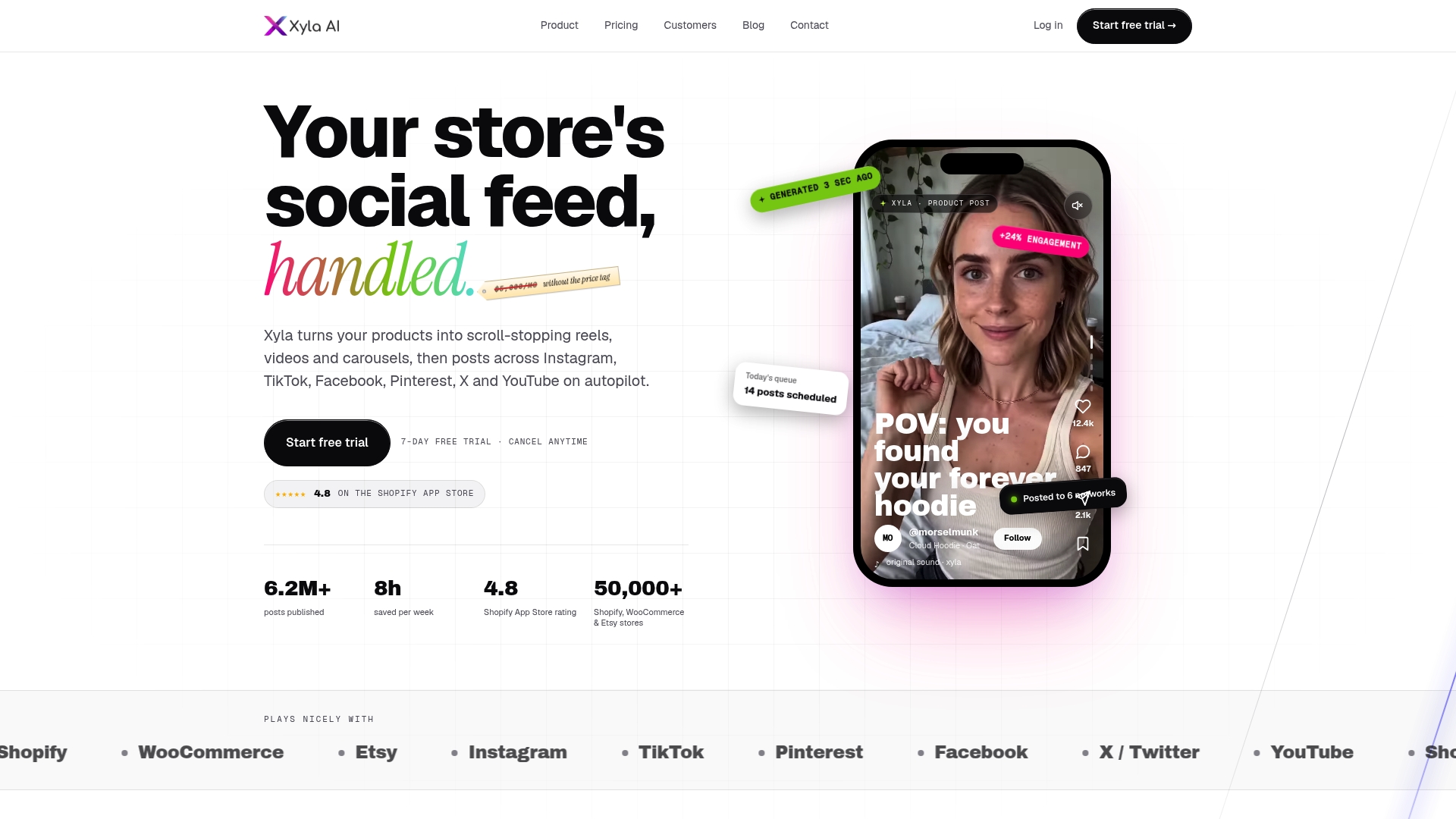
That is why we built Xyla around the product catalog. Your listings already hold the photos, titles, prices and variants. We turn that data into new, UGC-style videos, reels, carousels and images, tailor each asset to the network it is going to, write brand-aligned copy and publish on a schedule. Our aim is to give store owners back around eight hours a week.
We also believe AI generation should be part of the plan you pay for, not a meter that runs every time you want a new asset. And because we connect to Shopify, WooCommerce and Etsy, we support the commerce details that matter to a clothing store, such as Instagram Shopping tags and link-in-bio routing.
Write the strategy yourself, because only you know your customer. Let software handle the repetitive production.
Toby
Save time without losing your voice
Most of the weekly hours in a clothing store’s social plan go to the same tasks: resizing images for each network, writing captions, building the carousel, scheduling. These are the tasks to automate first. Keep the human parts, which are the customer stories, the founder’s point of view and the replies to comments.
Here is how the plan above maps to automation:
- New product or restock: a post is drafted from the listing data. Our auto posting guide shows the five steps from store update to published post.
- Instagram and TikTok: reels and carousels are generated and adapted per network. If you sell on Shopify, see the Shopify TikTok integration and how to connect Shopify to Instagram.
- TikTok commerce: if you plan to sell inside the app, our TikTok Shop strategy lays out a practical plan.
- Review and adjust: use your weekly metrics check to decide which pillars to repeat.
For a wider view of what to look for in this kind of software, read our roundup of the best AI social media tools for Shopify stores and the benefits of AI social media marketing.
Put your clothing store’s plan on autopilot
Xyla turns your Shopify, WooCommerce or Etsy listings into reels, videos and carousels and posts them to Instagram, TikTok, Facebook and other networks on a schedule. Plans start at $29 per month, or $209 per year, with the full plan list on the pricing page. Shopify stores can see their plans on the Shopify page, and Etsy sellers on the Etsy page.
Start on the Xyla site and set up your first month of posts from the products you already list.
FAQ
How many platforms should a clothing store start with?
Start with two. Instagram and TikTok are the usual pair for clothing, one for conversion and identity, the other for discovery. Add Pinterest when you have strong outfit imagery, and treat Facebook mainly as a retargeting and announcement channel.
How often should a clothing store post?
Choose the rhythm you can hold for six months. A common starting point is three or four feed posts or Reels a week plus daily Stories. Consistency matters more than volume, so raise the cadence only when batch production makes it painless.
What should I post if I have no models or studio?
Use product photos in carousels that show fit details, fabric close-ups and size guides. Add customer photos and reviews, styling videos made from your catalog and short behind-the-scenes clips. AI UGC video generated from your product images can fill gaps.
Which metrics matter most for a small clothing store?
Watch saves, shares, product-page clicks and orders from social traffic. Review them weekly per post and monthly per platform. Likes and follower counts are useful for context but say little about sales.
Sources
- Social Media Strategy for Clothing Brands, GARMS MEDIA
- How To Create a Social Media Marketing Strategy, Shopify
- Social Media Marketing for Fashion Brands, Space Ads
- 5 Social Media Platforms Every Fashion Brand Needs, iMarCamplify
- How Fashion Brands Choose the Right Social Media, Flinque
- Social Media Marketing for Fashion Brands: A Complete Guide, Launchmetrics
- The Apparel Brand’s Guide to Social Media in Fashion, Uphance
- 60 Social Media Post Ideas for Clothing Brands That Sell, Socialmon
- Content Calendar for Online Stores, GetContentPlan
- Building a brand content calendar: the 2026 guide, Shaare Agency
- Social Media Marketing for Clothing Brands: A Drop Plan, DesignerBox
- Fashion Brand Social Media Analytics, Vistoya


