

YouTube Shorts Automation: What to Automate and What to Review

YouTube Shorts automation works best when software handles the repetitive parts (turning product data into video, resizing, captions, scheduling, publishing) and a person approves the result before it goes live. Fully hands-off channels that publish generic AI clips are the riskiest version of the idea. For a store, the better version starts from real product data and repurposes one set of assets across Shorts, Reels and TikTok.
This guide shows which parts of a Short can be automated, how to schedule Shorts and Instagram Reels from one workflow, what to check in a scheduler, and which YouTube rules matter once you automate.
TL;DR
- You can automate idea sourcing, video generation, captions, resizing, scheduling and publishing. Keep a human approval step for brand fit and accuracy.
- Start from real product data (photos, titles, prices, reviews) so every Short is original, not a recycled clip.
- Plan Shorts and Reels as one calendar: same core asset, adapted per network, staggered over several days.
- YouTube’s monetization policy targets repurposed content with no meaningful original value, so automation should add something new, not copy.
- Measure views, watch behavior and store clicks per post, then feed the winners back into the next batch.
Table of Contents
- What YouTube Shorts automation actually covers
- The three kinds of Shorts automation
- Why originality decides whether automation helps or hurts
- Format basics for Shorts
- Scheduling Shorts and Reels from one calendar
- What to check in a Reels and Shorts scheduler
- Measuring automated Shorts fairly
- Perspective
- Where Xyla fits
- A simple rollout plan for your first month
- FAQ
- Sources
What YouTube Shorts automation actually covers
A Short passes through five stages: idea, creation, packaging, scheduling and publishing. Each can be automated to a different degree.
Stage What can be automated What a person should still decide Idea Pulling topics from your catalog, new arrivals, restocks, seasonal moments Which products deserve the spotlight this week Creation Turning product photos and descriptions into vertical video, carousels or image-to-video clips Whether the clip shows the product accurately Packaging Title, description, hashtags, captions, thumbnail frame Claims, tone, anything legal or price-related Scheduling Choosing times, filling a calendar, adapting formats per network The cadence you can sustain Publishing Uploading through the platform’s API and logging the result Fixing failures and replying to commentsMost of the hours saved sit in creation and packaging, not in the upload click. Uploading a finished file takes a minute. Making fifteen different clips from a catalog of two hundred products is what drains a week.
Technically, publishing automation relies on the platform’s upload interface. YouTube’s own documentation for the videos.insert method of the Data API lists a quota cost of 1 unit in the Video Uploads quota bucket and a maximum file size of 256GB, so file size is rarely the bottleneck for short vertical clips. You will never touch this yourself if you use a tool, but it explains why reliable automation is possible at all.
The three kinds of Shorts automation
When people search for this topic, they usually find three approaches. They are not equal for a store.
Faceless channel generators
These tools write a script, add a stock library, an AI voice and captions, and post daily. They suit entertainment or information channels that do not sell a physical product. For a store they have a weakness: nothing in the video comes from your catalog, so nothing connects the view to a purchase.
Workflow builders
Templates in no-code automation platforms chain together a script generator, a video renderer and an upload step. They are flexible and cheap, and they need someone to build, maintain and fix them. A sensible structure, as one workflow guide describes it, separates file intake, metadata generation, upload, review and notification, then logs each result and alerts an owner when something fails. That separation is good advice even if you never build the workflow yourself: any automation you rely on should tell you what it published and what it did not.
Catalog-driven social tools
This is the approach we build. The tool reads your product listings from Shopify, WooCommerce or Etsy, produces reels, videos and carousels from them, adapts each asset to every network and posts on a schedule. The source material is your own product data, so the output is specific to your store. If you want the broader picture first, our guide on how to automate your social media marketing step by step covers the whole chain.
Why originality decides whether automation helps or hurts
Automation makes it easy to publish a lot. YouTube cares about whether what you publish has value of its own. The platform’s channel monetization policies state that channels repurposing existing content without significant original commentary, substantive modifications or educational or entertainment value can be demonetized, even when the creator has permission to reuse the material.
You may not be monetizing a channel at all, since many stores use Shorts purely to send shoppers to a product page. Still, the principle is the right design rule: every automated Short should contain something that only your store can supply.
What that looks like in practice:
- Your own product photos and real details (materials, sizes, use cases) rather than stock footage.
- A distinct angle per post: a feature, a customer scenario, a comparison between two of your own items, a seasonal use.
- Copy written in your brand voice, not a generic caption. Our piece on AI social captions for ecommerce shows how to brief a tool so captions sound like you.
- A spread of formats, so your feed is not forty near-identical slideshows.
A quick test before you approve a batch: if you swapped your logo for a competitor’s, would the video still make sense? If yes, it is too generic.
Format basics for Shorts
YouTube’s help page on creating Shorts says Shorts creation tools make it easy to create short-form videos up to three minutes long, and that vertical videos can be uploaded as Shorts. So you are not forced into 15 or 60 seconds, but shorter clips are still the practical default for product teasers.
For a store, a workable set of formats is:
- A 10 to 20 second product highlight from one hero photo and two detail shots.
- A “three ways to use it” clip built from the listing description.
- A new-arrival or back-in-stock announcement.
- A seasonal or holiday post tied to a product category.
- A short fact or tip card about the item, which also works as a carousel on Instagram.
If you want more on framing and safe areas, see our practical guide to vertical video for ecommerce and our note on how to resize social videos without re-editing each one.
Scheduling Shorts and Reels from one calendar
Most stores post to YouTube Shorts and Instagram Reels, and often TikTok and Facebook as well. Treating each network as a separate chore multiplies the work. Treat them as one calendar with one set of source assets.
Step 1: Build one asset, adapt it per network
The core video is the same, but the surrounding details differ. Captions, hashtags, on-screen text placement, title fields and link handling vary by network. YouTube uses a title and description. Instagram uses a caption and can attach product tags. A good tool produces the variants for you. Our multi-platform posting workflow explains the adapt-and-stagger method in detail.
Step 2: Stagger instead of posting everywhere at once
Posting the same video on every network in the same minute looks lazy and splits your own attention when comments arrive. Publish on one network first, then follow on the others over the next day or two. This also gives you early signal on which hook works before you commit the rest.
Step 3: Set a cadence you can sustain
Three to five well-chosen posts a week per network beat a daily firehose that fades after a month. Automation makes high volume possible, but your review time is the real limit. If you cannot approve a batch in about 20 minutes, the batch is too big.
Step 4: Add an approval gate
Have the tool queue posts as drafts or scheduled items you can inspect. Check the product shown, the price or offer mentioned, the link destination and the caption. Then let it publish.
Step 5: Review results weekly
Look at which products and formats earned views and store visits, and bias next week’s calendar toward them. For a Shopify-specific version of this routine, our five-step Shopify social workflow shows how to keep the weekly time under an hour.
A steady process like this also fits into wider marketing automation workflows and reporting, where social output is one piece of a content system that is tracked together.
What to check in a Reels and Shorts scheduler
Whether you use native tools or a third-party app, run through this list before you commit.
- Account type. Instagram scheduling generally needs a professional (business or creator) account. Confirm yours is set up and connected to a Facebook Page where needed.
- Native publishing. The tool should publish through the network’s official connection, not a reminder you must tap on your phone.
- Format handling. It should accept vertical video and adapt aspect ratio, length and captions per network.
- Content creation, not only scheduling. A scheduler with no creation step leaves you filming and editing yourself, which is the part that takes the time.
- Commerce features. Look for product tagging, link-in-bio routing and UTM tracking, so social views connect to store sessions.
- Approval and logs. You should see what is queued, what published and what failed.
- Pricing model. Check whether AI generation is included in the plan or billed per generation, because credits can make costs unpredictable when you post daily.
For TikTok specifics, our comparison of native tools versus third-party apps for scheduling TikTok videos uses the same checklist.
Measuring automated Shorts fairly
Be careful comparing Shorts numbers across time. Google’s Data API revision history notes that since March 31, 2025, YouTube counts a Shorts view as soon as the video starts playing or replays, with no minimum watch time, and that change is reflected in Data API statistics. A view count from before that date is not directly comparable to one after it.
So do not judge success on views alone. Track:
- Clicks to your store from the link in your profile or description, tagged with UTM parameters.
- Engagement per post, such as comments and saves, which show intent better than raw plays.
- Product-level performance: which items repeatedly pull attention.
- Consistency: did every scheduled post publish at the planned time?
Our write-up on social commerce analytics with UTMs shows how to set this up so each post links back to revenue.
Perspective
We built Xyla because we kept seeing the same pattern: a store owner has hundreds of good products and no time to make a single decent video about them. The owner’s catalog is already the best content library they have. Photos, titles, details and prices are sitting in Shopify, WooCommerce or Etsy.
That is why we think the right kind of YouTube Shorts automation starts from product data, not from a blank prompt and a stock library. When a video is generated from your real listing, it is about your product, it is new every time, and it can carry the tags and links that turn a view into a visit. Our approach is designed to create fresh, modern, UGC-style video and image content rather than remixing the same templates.
We also include AI content generation in the standard plans instead of charging per generation, because a store that posts every day should not have to watch a credit meter. Automation should give you back the roughly eight hours a week most owners spend on social media, and it should do it while the brand still sounds like you.
Toby
Where Xyla fits
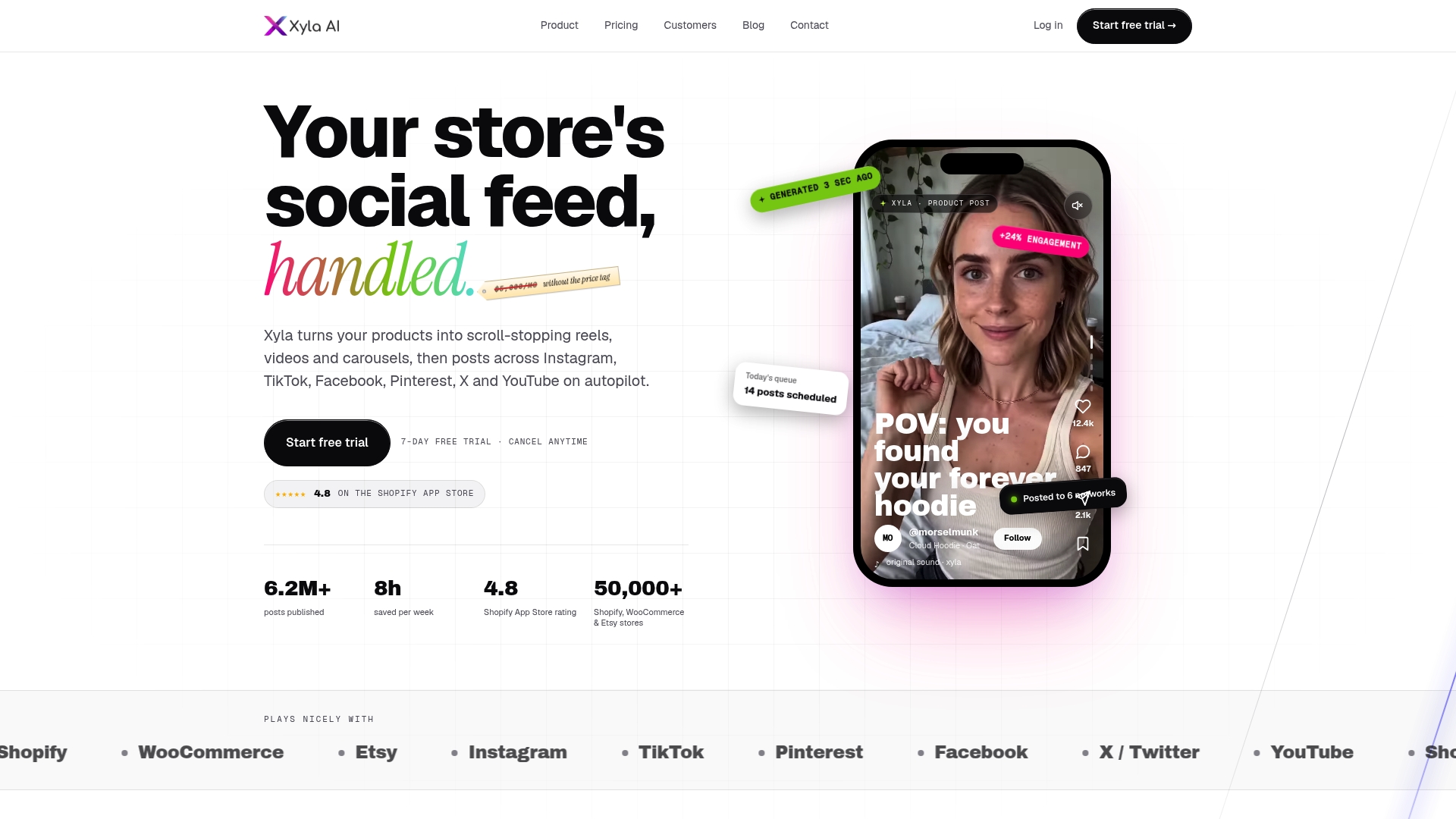
Xyla connects to your Shopify, WooCommerce or Etsy catalog, turns listings into reels, videos and carousels, writes brand-aligned copy, adapts each asset for Instagram, TikTok, Facebook, Pinterest, X and YouTube, then schedules and publishes for you. Plans on our pricing page start at $29 per month for Growth, with Pro at $39 per month and Enterprise at $60 per month. Annual billing is listed there too, from $209 per year for Growth.
If you sell on Etsy, the Etsy plans are Maker at $29 per month, Shop at $39 per month and Studio at $60 per month. Shopify stores can see Starter at $29 per month and Scale at $60 per month on the Shopify page. You start with a free trial, so you can connect a store and see the output before you pay.
For a closer look at the YouTube side, read how to scale ecommerce sales with YouTube Shorts without a video team.

A simple rollout plan for your first month
Week 1: connect and sample. Connect your store and your accounts. Generate a small batch from your five best sellers. Review every item and note what you would change in tone or framing.
Week 2: schedule a light calendar. Queue three posts per network. Stagger Shorts, Reels and TikTok by a day. Keep every post in an approval queue.
Week 3: widen the mix. Add a new-arrival post, a seasonal post and one fact or tip card. Compare which format earns more store clicks.
Week 4: tighten. Cut the formats that did not move anything, raise the cadence on those that did and decide how much review time you want per week. From there, the routine is mostly approving and adjusting.
If product updates in your store should trigger posts on their own, our guide to auto posting from store product updates walks through that in five steps.
FAQ
Can you automate YouTube Shorts completely?
You can automate nearly every step, from generating the video to publishing it on a schedule. We still recommend a quick human approval pass, because product details, prices and claims need to be correct. A short review of a weekly batch keeps quality high without bringing back the editing work.
Can you schedule YouTube Shorts and Instagram Reels from the same tool?
Yes, a social management tool can queue both from one calendar and adapt captions, titles and formats for each. Check that it publishes through the official network connection and that your Instagram account is a professional account. Staggering the two by a day or so gives you early feedback.
Will YouTube penalize automated Shorts?
YouTube’s monetization policies focus on repurposed content with no meaningful original value, not on the use of automation itself. Shorts built from your own product photos and details, with fresh copy for each, have something original in them. Avoid posting many near-identical clips.
How often should a store post Shorts?
Choose a rhythm you can review, such as three to five posts a week per network. Consistency matters more than raw volume. Raise the cadence only when your results and your review time both allow it.
Sources
- Videos: insert | YouTube Data API | Google for Developers
- Get started creating YouTube Shorts - YouTube Help
- YouTube Channel Monetisation Policies - YouTube Help
- Revision history | YouTube Data API | Google for Developers
- YouTube auto upload: workflow template for 2026


