

Facebook Reels Templates for Ecommerce: What to Use

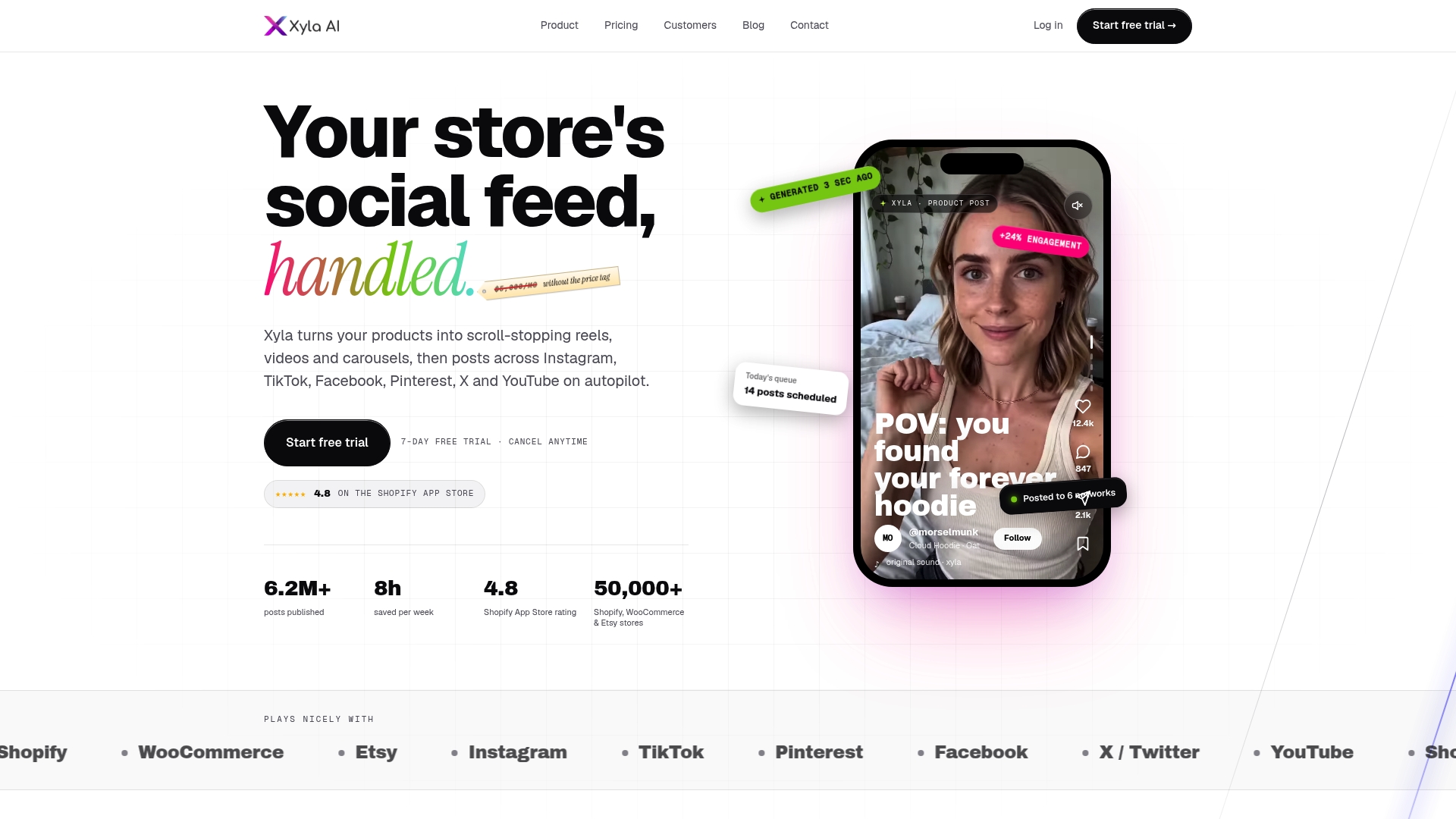
A Facebook Reels template is a ready-made structure: the pacing, cuts and music are set, and you drop in your own clips. For a store, the best template is the one built from your product data, so every Reel shows your actual products without an hour of editing each time. Xyla turns product listings from Shopify, WooCommerce and Etsy into Reels, videos and carousels and posts them for you, which is the template-free route to the same result.
This guide covers what Reels templates are, the five formats worth using for products, the settings to get right, how to keep templated videos on-brand, and how to tell whether they sell.
TL;DR
- A Reels template lets you reuse another Reel’s structure and audio with your own visuals, which makes a first video fast but does not scale to a full catalog by itself.
- Five formats suit products: listicle, product demo, before and after, transition sequence and photo dump.
- Shoot and design vertically at 9:16, keep text inside the safe zone and use music or a voiceover.
- Meta’s own test results tie best-practice Reels creative to lower cost per action and higher conversion in ad campaigns.
- To keep up a steady posting rhythm, generate Reels from your product listings automatically instead of rebuilding a template for each item.
Table of Contents
- What Facebook Reels templates are
- Five Reels formats that work for products
- How to customize a Reels template for a product
- Settings to get right before you publish
- Can you use Instagram Reels templates for ecommerce on Facebook?
- Keeping templated Reels on-brand
- Do templated Reels actually sell?
- Why templates alone stall for busy stores
- Put your catalog to work with Xyla
- FAQ
- Sources
What Facebook Reels templates are
Meta describes Reels templates on Facebook and Instagram as a way to borrow another Reel’s structure and audio and upload your own visuals. In practice, you pick a Reel you like, the app shows you how many clips it needs and how long each lasts, and you fill those slots with your footage or photos. The cuts land on the beat because the original creator already timed them.
There are three places you meet templates:
- Inside Facebook itself. The Reels creation flow has a templates area where popular structures are listed. You choose one, add clips to the placeholders and publish.
- Standalone template libraries and editors. These offer thousands of pre-built layouts you customize with photos, text and stickers and then export.
- Meta’s catalog ad templates. Inside Meta’s ad tools, a product catalog can feed automatically generated videos.
All three solve the same problem: you do not want to design a video from a blank timeline. For a store with five products that is plenty. For a store with 200 listings, the manual step of dropping clips into slots becomes the bottleneck, and that is where most owners stop posting.
Five Reels formats that work for products
Meta’s guidance for advertisers lists five Reels concepts to test, the listicle, product demo, before and after, transition sequence and photo dump. Each maps neatly onto a store.
Listicle
“Three ways to style this jacket” or “Four reasons customers reorder.” Each point gets one or two seconds of text over a product shot. It works for bundles, gift guides and benefit-led selling because the structure forces you to be specific.
Product demo
This covers unboxing and what Meta calls “demotainment”: showing the product in use in an entertaining way. Use it for anything with a visible action: pouring, folding, assembling, applying.
Before and after
Two states, one cut. Cleaning products, organizers, skincare, home decor and custom work all fit. The payoff is the point of the video, so reveal it early in the clip.
Transition sequence
Jump cuts and swipe cuts between looks, colors or sizes. This is the best format for variants: the same product in six colors reads as one fast, satisfying video.
Photo dump
A run of photos or short clips synced to music. This is the easiest format for stores that only have product photography, because it turns still images into motion. Meta and design platforms argue that listicles and photo dumps are repeatable and adaptable across campaigns, which is exactly what a store posting several times a week needs.
Whichever you choose, think of the format as a repeatable story shape, not a one-off. If you want more on choosing story shapes for a brand, these visual storytelling tips are a good companion. For hook ideas specific to products, see our ranked Reels and TikTok hooks.
How to customize a Reels template for a product
The steps inside Facebook are short. According to Primal Video’s step-by-step guide, you scroll to the Templates section, select a template, add your clips to the plus-sign placeholders, tap Done and Next, then add a description, thumbnail, audience and up to three topics before you share. Here is how that looks for a store, and where it goes wrong.
- Pick the template by your product, not the trend. A fast-cut transition template suits a product with variants. A slow, three-clip template suits a single hero item. Pick a format from the five above, then find a template that matches.
- Gather vertical footage first. Clips shot horizontally get cropped and lose the product. Shoot or export in 9:16.
- Fill the placeholders with the strongest shot first. The opening seconds decide whether anyone keeps watching. Put the product, not your logo animation, in slot one.
- Write the description for the buyer. Name the product, one benefit and where to buy. Our guide to AI social captions for ecommerce covers how to write them well.
- Choose a thumbnail that shows the product clearly. A blurry mid-motion frame is the most common mistake.
- Publish, then repeat. One Reel does little. A rhythm of Reels across weeks is what builds familiarity.
Steps 2 to 6 repeat for every product. That repetition is the real cost of templates, and it is the part Xyla takes off your hands: it converts your product listings into Reels, videos and carousels and publishes them on your connected networks, so the editing loop does not depend on your free evenings.
Settings to get right before you publish
Templates solve the look, not the technical details. Check these every time.
Vertical 9:16 and the safe zone
Reels are full-screen vertical video. Meta’s playbook for small businesses stresses full-vertical creative, sound on, and keeping key elements inside the safe zone. The safe zone is the part of the frame guaranteed to stay visible across placements, because the app overlays buttons, captions and your account name on the edges. Digital Ads Snack’s safe-zone guide advises centering logos, headlines, calls to action, offer text and captions in the middle band and previewing before launch, because cropped offers cost you trust. Our own page on Reel dimensions, safe zones and export presets gives the numbers in detail.
Sound
Sound is part of the creative. Reporting on Meta’s data, Zefr notes that Reels ads combining music and a voiceover scored 15 points higher on positive response than those without sound. One licensing point matters for sellers: Meta’s playbook warns that if you plan to run an organic Reel as an ad, you should use commercially available music. A trending track from a template can be fine for an organic post and a problem once you put budget behind it.
Length and pacing
Short wins for products. Use a hook in the first two seconds, show the product within the first three and place the call to action early. A product Reel that is still explaining itself at 25 seconds has usually lost its viewer. Our guide to Instagram Reel hooks that work for brands applies equally to Facebook.
Can you use Instagram Reels templates for ecommerce on Facebook?
Yes, and most stores should. Both platforms share the vertical Reels format, and Meta describes templates the same way on Facebook and Instagram. A product video built to 9:16 with centered text can go to both. Before you cross-post, check three things:
- Text placement. Instagram’s interface covers different areas than Facebook’s. Keep captions and prices in the middle band so neither crops them.
- Audio. A track available in one app’s library may not be available in the other. Have a fallback, or use a voiceover.
- Calls to action. A “link in bio” line means nothing on a Facebook Page. Write the action for where the viewer is.
If you sell on Shopify, our guide to shoppable Instagram Reels for Shopify shows how the shopping side connects, and our page on Facebook Reels for stores covers the Facebook side.
Keeping templated Reels on-brand
The risk with any template is sameness: your Reel looks like thousands of others. Four habits fix it.
- Use your real product footage. A template’s structure is borrowed, but your products are not. The closer the video is to what a customer will receive, the better.
- Keep a fixed palette and font. Choose two colors and one typeface, and use them on every Reel so a viewer recognizes you in the feed.
- Show the brand early. Put the name or logo on screen in the first three seconds, small and inside the safe zone.
- Vary the format, not the identity. Rotate between the five formats above while the look stays constant.
This is where generating content from product data helps. Xyla’s approach is to create new UGC-style video and image content from your real product data rather than remixing templates, and to generate brand-aligned copy to go with it. Read more about AI UGC video made from your products.
Do templated Reels actually sell?
Meta’s figures come from advertising, so read them as evidence for Reels creative done well, not for any specific template. In its playbook, Meta reports that adding best-practice Reels creative to business-as-usual direct-response campaigns produced a 16% improvement in cost per action, 13% higher return on ad spend, 29% higher conversion rate and 11% higher reach across placements. Zefr, reporting Meta’s data, says vertical sound-on Reels ad sets had 4.8% lower cost per action and a 5.1% higher click-through rate than other video types.
The takeaway for a store owner: the format, the vertical framing, the sound and the safe-zone discipline matter. A template helps you get those right consistently.
A simple test you can run
Meta’s playbook recommends a two-week A/B test with a Sales objective, Advantage+ placements and a $500 budget, comparing a best-practice Reel (with voiceover or music) against your usual creative while keeping budget, timing, placement and bid type the same. If you do not run ads, apply the same logic to organic posts:
- Post one format (for example, product demo) three times in a week.
- Post another (for example, photo dump) three times the next week.
- Compare views, saves, shares and clicks to your store, not just likes.
- Keep the format that moves visitors to product pages and repeat it.
Change one thing at a time, or you will not know what worked.
Why templates alone stall for busy stores

Templates remove the design work but not the production work. For every Reel you still choose a template, gather clips, fill slots, write a caption, pick a thumbnail and publish. Multiply that by the number of products and networks, and the schedule slips.
That is the problem we built Xyla around. It connects to Shopify, WooCommerce and Etsy, turns product listings into reels, videos, carousels and other post types, tailors each asset to each network, schedules and publishes automatically. Store owners using it save around eight hours a week on social media. Our guide on Reels for ecommerce goes through the workflow, and Facebook auto posting for small ecommerce stores shows the posting side.
What we think about Reels templates
Templates are a good idea: they prove that a repeatable structure beats a blank screen. Where we part ways is the unit of work. A template asks you to do the filling-in for every product, every time. We think the product listing already holds what a Reel needs: photos, title, price, description. So our view is that the structure should come from your catalog and the content should be generated new from it, in a style that feels like real customer video, not a recycled layout.
The second thing we care about is consistency. A store that posts three strong Reels a week for six months beats one that posts ten in a burst and disappears. That is why we combine generation, scheduling and publishing in one place, and why we include AI content generation in our standard plans instead of charging per generation.
Start with the five formats, keep the safe zone clean, use sound, and measure sales instead of likes. Then let the repetitive part run by itself.
Toby
Put your catalog to work with Xyla
If you want Reels from your product listings without building each one by hand, Xyla is made for that. It covers Instagram, TikTok, Facebook, Pinterest, X and YouTube, and it includes AI image and video generation from your product photos.
Plans are billed monthly or annually. The general plans on our pricing page are Growth from $29 per month ($209 per year), Pro at $39 per month ($281 per year) and Enterprise at $60 per month ($432 per year). Shopify stores can see Starter and Scale on the Shopify page, and Etsy sellers can see Maker, Shop and Studio on the Etsy page. A free trial comes before the paid subscription.
FAQ
Does Facebook have Reels templates?
Yes. The Reels creation flow in the Facebook app includes a templates area where you choose a popular structure, add your own clips to the placeholders and publish. Templates let you reuse another Reel’s structure and audio with your own visuals.
Does Instagram do Reels templates too?
Yes. Meta offers templates on both Facebook and Instagram, and the vertical 9:16 format is shared. Keep text in the central safe zone so it works on both before you cross-post.
What is the difference between Reels and Stories?
Reels are short vertical videos that can be discovered by people who do not follow you, so they suit reach and product discovery. Stories are quick updates that disappear after a short time and mostly reach existing followers. Stores usually use Reels for new audiences and Stories for updates.
Which Reel style should a store start with?
Start with a product demo or a photo dump. The demo shows the product working, and the photo dump turns images you already have into motion. Once those run smoothly, add a listicle for bundles and a before and after where the result is visible.
Can I make Reels for every product without editing each one?
Yes. Xyla converts your product listings into Reels, videos and carousels and posts them on your connected networks automatically, so you are not filling a template for each product.
Sources
- Meta Reel Talk Creative Playbook for Small Businesses (PDF)
- Optimizing Meta Ads for Q4
- How to Make Facebook Reels (Step by Step)
- Ultimate Guide to Meta Ads Safe Zones
- Reels ads updates: new performance features
- Visual storytelling tips: boost your brand’s impact


